Disability support scheduling software for Canadian agencies needs to handle far more than a simple calendar. A scheduling system must juggle client preferences, caregiver skills and credentials, funding rules, vehicle availability, travel time, backup staff, and last-minute changes. When scheduling is done on paper or in a generic spreadsheet, things fall through the cracks.
A client’s preferred caregiver is unavailable and a backup is assigned without notice, creating anxiety for the client. A caregiver is scheduled for two clients 20 km apart with only 30 minutes between shifts. A client with specialised support needs is assigned a caregiver without the right credentials, and safety suffers. A modern scheduling system purpose-built for Canadian disability support agencies solves these problems, but only if it has the right features. Here’s what to evaluate when you’re choosing or upgrading.
Real-Time Visibility Across Your Entire Caseload
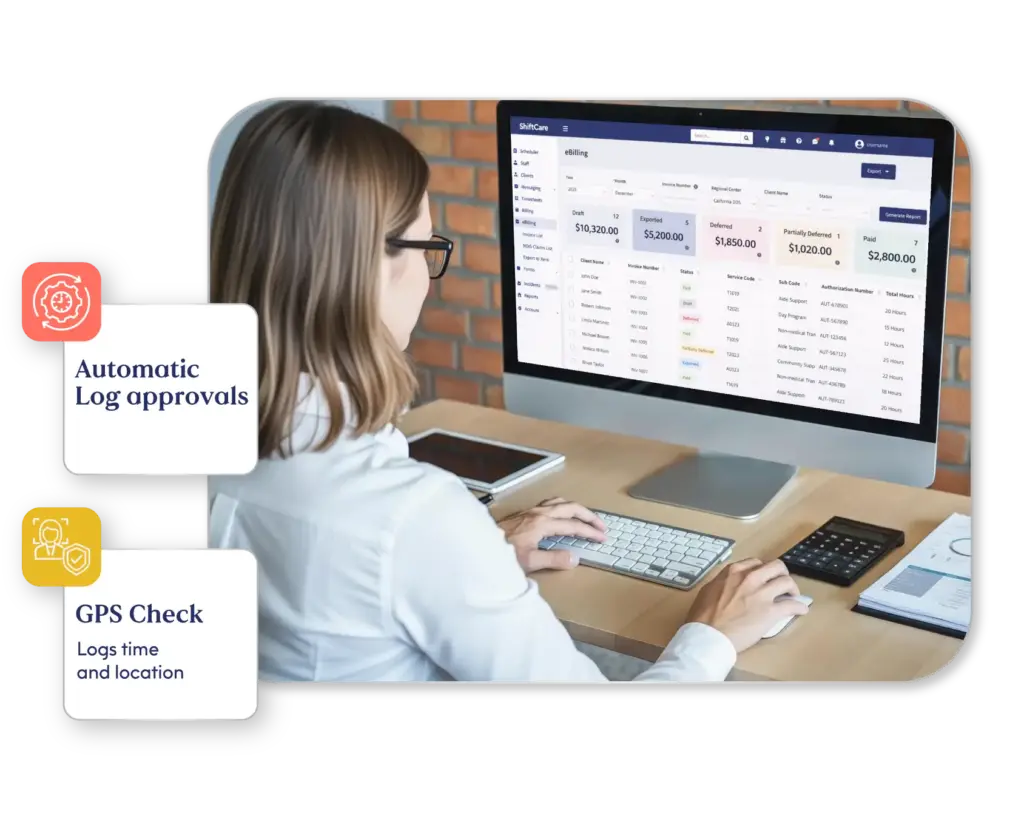
You need to see, at a glance, which clients have scheduled support today and next week, which caregivers are assigned and whether they’ve confirmed availability, which shifts are still open, and which clients or caregivers have flagged risks or notes.
A scheduling system should offer a dashboard that updates in real time. As caregivers confirm or cancel, the status should reflect that immediately. If you’re a coordinator managing 50 or more clients across multiple caregivers, you can’t spend hours manually updating a spreadsheet; the system must do it for you.
The best systems also offer a mobile view for coordinators: you’re in a meeting or in the car, and you need to know if your staff covers all their shifts. You pull out your phone and see the answer in seconds.
Caregiver Matching Based on Skills and Availability
Not every caregiver can serve every client. A client with complex behaviour needs a caregiver trained in behaviour support. A client with physical care needs (e.g., Hoyer lifts) needs a caregiver with the right certification. And a client with a communication disability needs a caregiver who understands that client’s communication system.
A good scheduling system lets you tag caregivers with skills, credentials, and preferences. When you need to assign someone to a shift, the system suggests caregivers who have the required credentials, are available at that time, have worked with that client before, and are geographically nearby to minimise travel time.
This reduces human error and saves time. Instead of mentally reviewing 30 caregivers to find the right fit, the scheduler looks at a filtered list of three to five candidates.
Integration with Funding and Billing

Your schedule drives your billing. A client is funded for 10 hours per week. If they get a caregiver works 8 hours with that client on record, they’ll have two unassigned or unused hours. You might lose the funding, or receive it across future weeks, depending on your contract. An agency that doesn’t track this carefully can underbill or overbill, leading to clawback from the province or cash flow problems.
Your scheduling system should integrate with your billing or accounting system. When a caregiver completes a shift with a client, the system automatically logs that billable hour. The system should also flag when a client doesn’t have assigned weekly hours yet so that you can spot gaps fast.
Some systems allow you to mark hours as “flexible” (the client doesn’t care when they happen, as long as they total 10 per week) or “fixed” (the client needs these hours on specific days and times). This flexibility can help you fill gaps and balance caregiver workload.
Mobile Accessibility and Shift Confirmation
Your caregivers need to access the schedule from their phones. A caregiver should be able to see their assigned shifts for the next week, confirm availability or request a change, check the client’s profile and any recent notes, clock in and out of a shift and submit timesheets, and receive notifications if a shift changes or if a client has an urgent need.
When caregivers can self-serve on mobile, coordinators spend less time on email and phone calls. Caregivers are more likely to confirm shifts if it takes 10 seconds (tapping a button on their phone) than if it requires sending an email.
A well-designed mobile interface also reduces no-shows. If a caregiver has confirmed a shift on their phone, they’re more likely to remember it and show up.
Disability Support Scheduling Software Reporting That Meets Provincial Compliance Requirements
Provincial disability support frameworks (like Ontario’s DSO model or Alberta’s 2026 individualized funding model) increasingly require evidence of consistent service delivery. You need to generate reports that show how many hours of support each client received in a given month, staff attendance and reliability, and service matching (did the client receive support from the assigned caregiver, or was there turnover).
A scheduling system should be able to export this data in a format that provincial auditors want to see. If your system can’t generate these reports easily, you’ll spend weeks manually compiling data for a compliance audit. The Ontario Ministry of Children, Community and Social Services sets out the reporting standards that DSO-funded agencies must meet.
Some systems also integrate with outcome tracking: you schedule a caregiver to work with a client on a specific goal, and the system tracks whether that goal activity happened and notes progress. This is especially valuable as more provinces move to outcomes-based funding.
Shift Coverage and Matching Algorithms
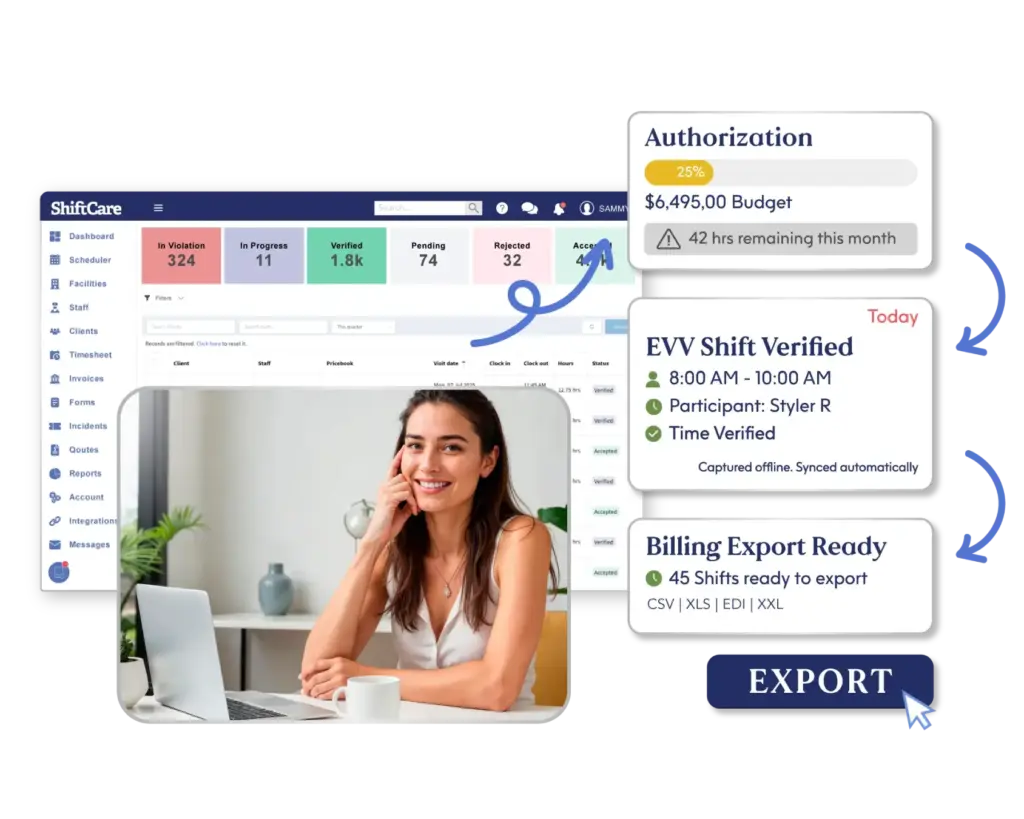
When a caregiver calls in sick two hours before a shift, you need to find a backup fast. The best scheduling systems have automatic matching algorithms that flag that a shift is open, suggest caregivers who are available, nearby, and qualified, optionally send notifications to qualified caregivers, and let caregivers pick up shifts in real time.
Some systems even use AI to learn your preferences and suggest the best match based on historical data (for example, “Caregiver Y always covers for Caregiver X’s clients, so ask Y first”).
Without this, finding a backup is a coordinating nightmare: you’re calling people, checking availability, waiting for responses, hoping someone can step in. With a good matching algorithm, you send a notification and a qualified caregiver picks it up in minutes.
Choose Scheduling Software That Actually Solves Your Problems
The right disability support scheduling software is only valuable if it improves your operations. Also ask about integration with your existing tools. If you’re using a client management system, billing platform, or staff database, confirm that the scheduling software can pull data from those systems and sync back. The right scheduling system is an investment, but it pays back in coordinator time, caregiver efficiency, fewer missed shifts, and cleaner compliance.
As your agency grows, a good scheduling system lets you scale without doubling your administrative overhead. ShiftCare’s scheduling and rostering platform integrates seamlessly with Canadian disability support workflows and provincial compliance requirements. Start your free trial today. See how ShiftCare helps Canadian disability support agencies schedule smarter.