To reduce NDIS claim errors, there are various steps you can take. This includes checking service bookings, the participant plan status, and line item validity before any submissions. Avoid duplicates, fix missing fields, and use the PRODA resubmission option for corrections. By minimising delays, you’ll prevent audit flags and get paid faster.
There’s no room for error with NDIS invoicing. As a provider, your invoices must align with the strict, rigorous guidelines of the National Disability Insurance Agency (NDIA). And the frequent updates don’t make managing compliance easier. It’s easy to miss a change, whether it’s a line item update, price cap revision, or service booking mismatch, where you’ll end up with a rejected claim.
That said, you don’t necessarily need to spend more time on invoicing to reduce errors. Knowing the most common mistakes and how to avoid or resolve them before submission can help you avoid delays. Here’s our top tips on how to keep payments flowing on time while reducing your invoicing admin.
Why Is My NDIS Claim Rejected?

NDIS claim rejections happen more often than most providers expect. Even seemingly minor mismatches like incorrect dates, expired agreements, missing support bookings, or manually managing records can cause issues. NDIA won’t release your payment until you address your mistakes. If you’ve already committed similar errors in the past, you might get flagged for an audit.
The best approach is to familiarise yourself with the most common reasons claims get rejected, so that you can catch them before submission.
- Service booking doesn’t exist or doesn’t match the claim. Claims must align with active service bookings that cover the exact dates, support category, and funding level. Submitting a claim outside a booking window or with unmatched details will trigger rejection.
- Incorrect or expired participant plan information. Using outdated participant details, such asan old NDIS number, expired plan dates, or incorrect plan manager, can lead to automatic rejection by the NDIA portal.
- Line item not valid for support category or participant plan. The support item claimed must match both the participant’s plan and the correct support category (e.g., Core, Capacity Building).
- Duplicate or overlapping claims. Submitting claims for overlapping time periods or duplicated shifts, especially across multiple staff, will be flagged by the system and result in rejection.
- Missing or incomplete mandatory fields. Leaving key claim fields blank or entering data in the wrong format (e.g., date syntax) causes system errors.
How To Fix NDIS Payment Errors

Claim rejections won’t always require you to start over from scratch. The NDIA portal allows resubmissions after corrections, but only if you follow the correct steps to troubleshoot.
Check That the Service Booking Matches the Claim
Confirm that the booking window covers the exact date and time of service. Also, verify that the booking’s support category and funding level match the item you’re trying to claim. If details don’t align, update the booking or create a new one before resubmitting.
Review the Participant’s Plan and NDIS Number
Check that you’re using the current participant plan. Claims using expired plan dates, outdated NDIS numbers, or incorrect plan manager details are automatically rejected. Log in to the myplace portal and cross-check the active plan.
Verify That the Line Item Is Approved for the Participant
The support item must match the plan’s listed category (e.g., Core, Capacity Building) and be allowed under the participant’s funding. Use the NDIS Support Catalogue to confirm the line item and unit of measure before resubmitting.
Avoid Duplicate or Overlapping Submissions
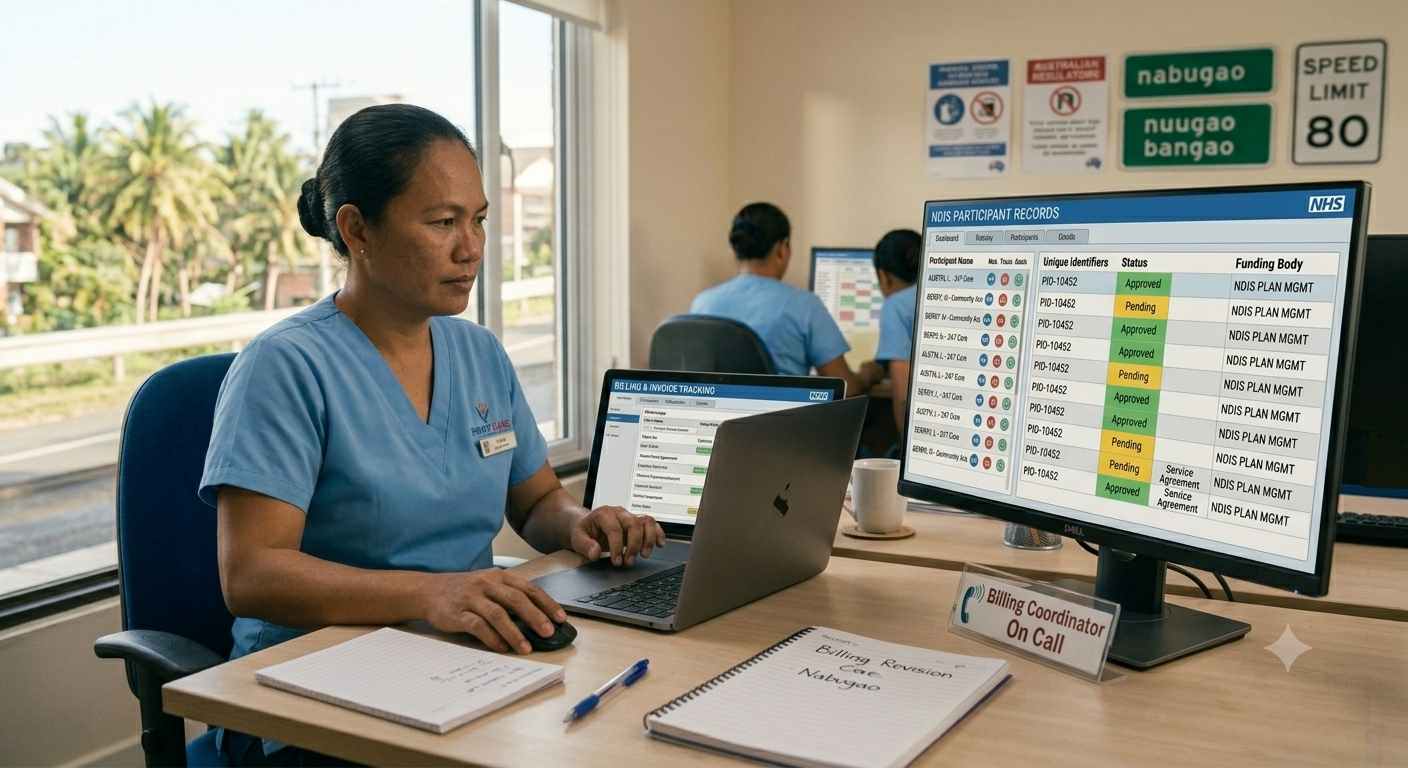
Check your roster and timesheets for duplicate shifts across different staff or services. Claims that cover overlapping times or have already been paid will be blocked. If submitting for multiple workers or shared shifts, ensure accurate time allocation.
Fix Any Mandatory Field Issues
Missing or incorrectly formatted data will trigger system errors. Double-check for typos, empty fields, or wrong date syntax. Most errors here are flagged during portal validation.
Use the Resubmission Function in the NDIA Portal
After correcting the flagged issues, use the reclaim or resubmit option in PRODA. Don’t create a new claim unless instructed. Doing so could lead to duplicates or delayed audit reviews. Refer to the NDIS Claims Troubleshooting Guide for portal-specific steps.
Make NDIS Payments Faster by Leveraging Technology
Manually fixing NDIS payment errors is probably the most inefficient thing you can do. Yes, it gets the job done, but it also takes your staff away from the more important tasks of their day. With technology, there are various solutions available to help manage the heavy lifting, giving you time back to focus on higher value tasks.
If you want to get paid faster without dumping more admin work on your team, there are a range of solutions you can explore, including automating NDIS claims validation with ShiftCare. Here’s how it helps you go from reactive corrections to proactive compliance.
- Spot errors before submission. Real-time validation flags incorrect line items, mismatched bookings, or missing data before you submit a claim.
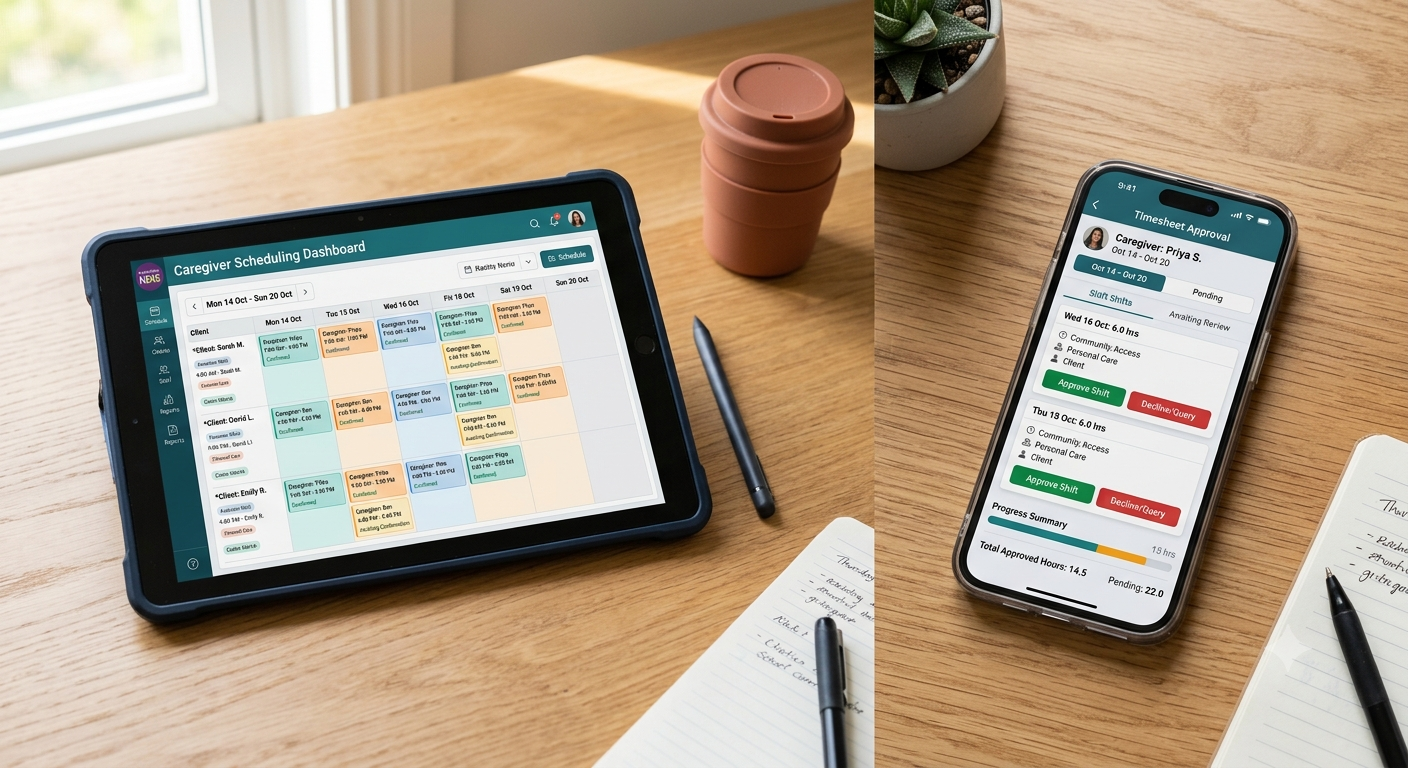
- Sync rosters with claims. Ensure every billed shift has a matching booking and plan alignment using your daily schedules.
- Track service agreements automatically. Never bill against an expired plan – ShiftCare alerts you when participant details or agreements change.
- Batch claims and cut down manual entry. Submit multiple claims at once, reducing delays and cutting down your invoicing time.
- Log and link care notes directly. Care documentation connects directly to the claim, so you’re always audit-ready and aligned with NDIA expectations.
Streamline NDIS Invoicing and Get Paid Faster With ShiftCare
Instead of using legacy systems and manually fixing errors, start automating NDIS invoicing with ShiftCare. It reduces common errors by validating claims in real time, syncing rosters with your care management system, and tracking service agreements. Free up your staff for more critical tasks.
Let’s start today. Book a free demo — no credit card required — and see how ShiftCare can help speed up your daily operations.