NDIS invoicing is one of the most technically specific billing environments in Australian health and community services. A single incorrect support item code, a rate that exceeds the price limit, or a claim submitted against the wrong funding category is enough to trigger an automatic rejection. This guide covers five reasons why purpose-built NDIS invoicing software reduces errors, speeds up payment, and protects providers under audit.
Manual NDIS invoicing works until it doesn’t. At low volumes, providers manage by checking line item codes against the NDIS Pricing Arrangements and Price Limits manually, copying participant details across from service agreements, and submitting through the myplace Provider Portal one claim at a time. As caseloads grow, that process becomes the primary bottleneck between service delivery and getting paid.
1. Incorrect Support Item Codes Are the Leading Cause of Claim Rejections
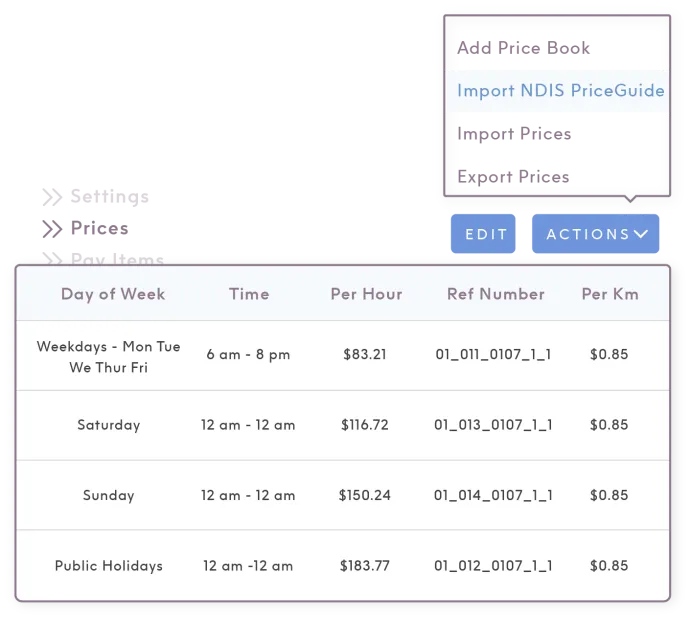
The 2025-26 NDIS Support Catalogue contains thousands of line items, each with a specific code, unit type, and maximum price limit. Using a general Core line item instead of the correct Home and Living line item, charging the wrong hourly rate, or claiming therapy services under Core rather than Capacity Building Improved Daily Living are the most common errors that trigger immediate rejection.
Manual code selection depends on the person entering the invoice knowing which code applies, checking it against the current catalogue, and entering it without a typo. A code like 01_011_0107_1_1 has no margin for error. One transposed digit rejects the claim.
What NDIS invoicing software does differently
- Pulls support item codes directly from the current Support Catalogue so staff select from valid options rather than typing codes manually
- Validates each line item against the participant’s service agreement and registered support category before submission
- Flags rate errors automatically when a unit price exceeds the current price limit
- Updates line item codes and price limits when the NDIS Pricing Arrangements change, without requiring manual updates from your team
2. Manual Processes Create Payment Delays That Compound Across a Caseload
Valid claims from registered providers who are recorded as a my provider are typically paid within two to three business days. Claims that contain errors, trigger a review, or are submitted outside the service booking window take significantly longer. For providers with large caseloads, a batch of rejected claims creates a backlog that affects cash flow across the whole organisation.
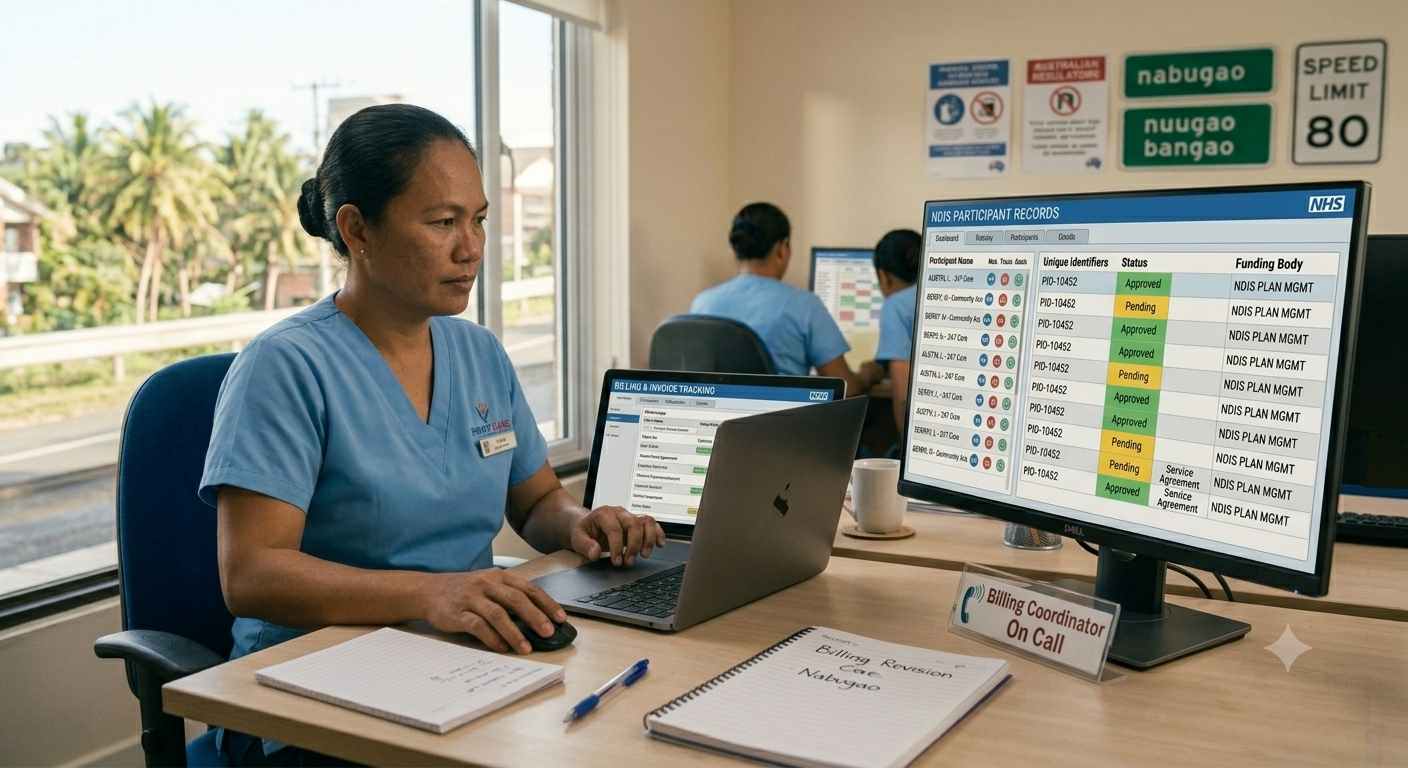
Administrative overhead consumed nearly 30% of the average provider’s budget in 2025, often due to manual entry errors that trigger immediate payment rejections. Copying participant reference numbers from one system, entering service dates from a separate roster, and cross-checking rates against the Price Guide manually introduces errors at every transfer point.
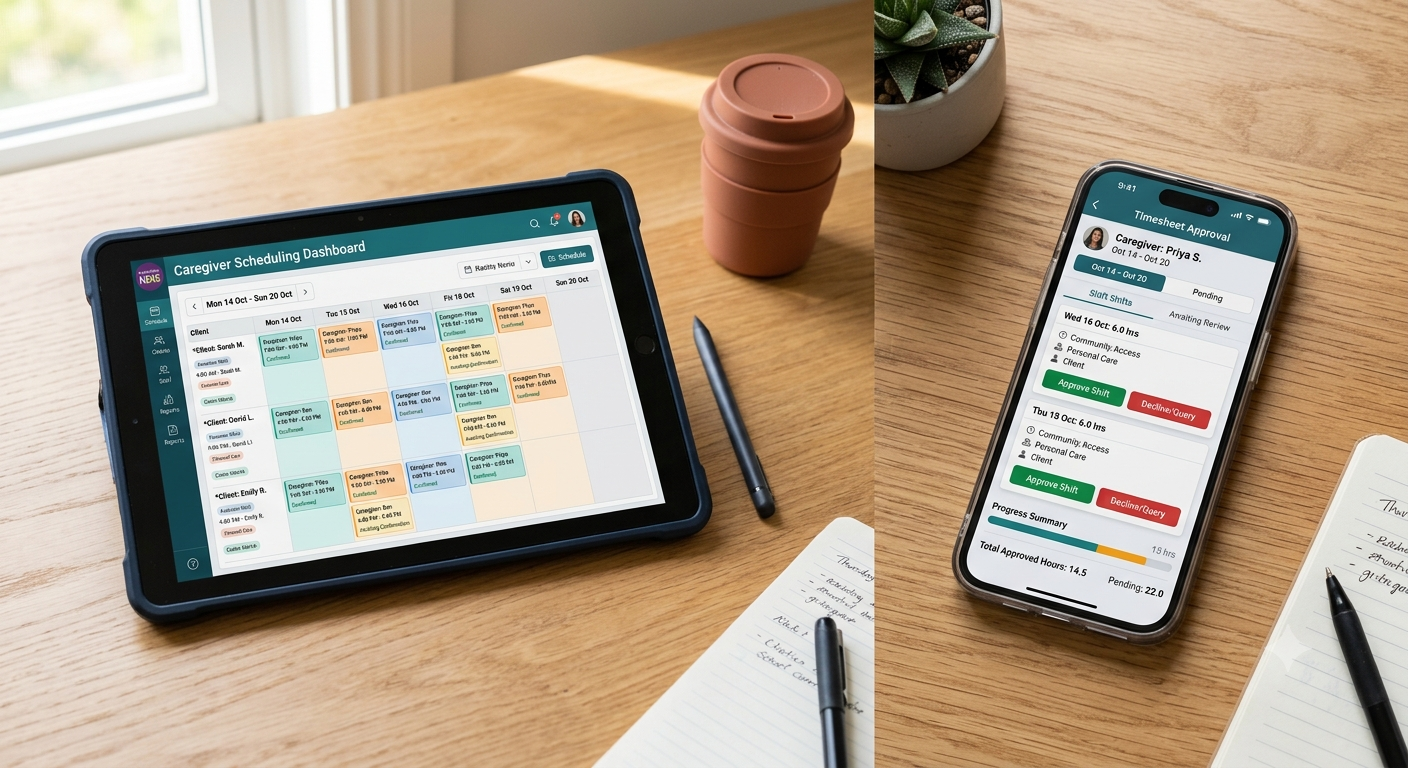
Invoicing software that connects directly to your rostering and scheduling data eliminates those transfer points. Services recorded in the scheduler generate invoice-ready data without re-entry. Bulk claiming processes multiple participants in a single submission rather than individually through the myplace Portal.
3. The Provider Payment Assurance Program Requires Records That Manual Systems Struggle to Produce
The Provider Payment Assurance Program confirms the accuracy of payment requests submitted by registered providers. Under the program, the NDIA can review claims before or after payment is processed. Providers must keep full and accurate records of supports delivered. Failure to produce them may result in repayment of funds to the NDIA.
Records required under a Provider Payment Assurance review include service delivery evidence aligned to each invoice line item, service agreements, and participant records covering the period under review. Providers whose invoicing system is disconnected from their care delivery platform face a reconstruction problem when a review is triggered.
Records an NDIS invoicing platform should generate and retain automatically
- Timestamped shift records linked to each billed line item
- Service agreement copies against which each claim was validated
- Participant NDIS numbers and plan details current at the time of service
- Audit trail showing who created, modified, and submitted each invoice
- Records retained for a minimum of seven years in line with NDIA record-keeping requirements
4. The Two-Year Claim Submission Rule Requires Consistent, Timely Billing Processes
As of October 2025, the NDIA automatically rejects any claim submitted more than two years after the support start date. The previous one-year window was extended to two years, but the rule is now enforced automatically with no exceptions. Providers with a backlog of unsubmitted claims older than two years have no recourse.
For most providers, the two-year deadline isn’t the risk. The 90-day service booking window is. Payment requests for NDIA-managed participants must be submitted within 90 days from the end of a service booking. Providers who accumulate invoices and batch them infrequently create submission risk.
Purpose-built invoicing software sends alerts when service bookings are approaching expiry and surfaces unbilled services before they age out of the claimable window. Billing cycles can be set to weekly rather than monthly, reducing the risk of aged claims accumulating without submission.
5. Different Funding Management Types Require Different Submission Processes
NDIS participants manage their funding in three ways: NDIA-managed, plan-managed, or self-managed. Each requires a different invoicing process, and handling all three correctly in a manual system requires your team to track which process applies to each participant and follow it without error.
- NDIA-managed participants: Payment requests are submitted directly through the myplace Provider Portal using PRODA credentials. No separate invoice is required, but a service booking must be in place before delivery
- Plan-managed participants: Invoices go to the participant’s nominated plan manager, not the NDIA directly. The invoice must include the provider’s ABN, the participant’s NDIS number, correct line item codes, and service dates
- Self-managed participants: Invoices are sent directly to the participant, who pays and then claims reimbursement from the NDIA
Invoicing software that supports all three funding management types within the same platform lets coordinators process claims across a mixed caseload without switching workflows or checking which process applies to each participant before generating an invoice.
Get Paid Faster With Invoicing That Was Built for the NDIS
NDIS invoicing errors don’t just delay payment. They create audit exposure, rework for billing staff, and cash flow gaps that grow as caseloads scale. Purpose-built software removes the manual steps where errors enter and connects service delivery directly to compliant, submission-ready claims.
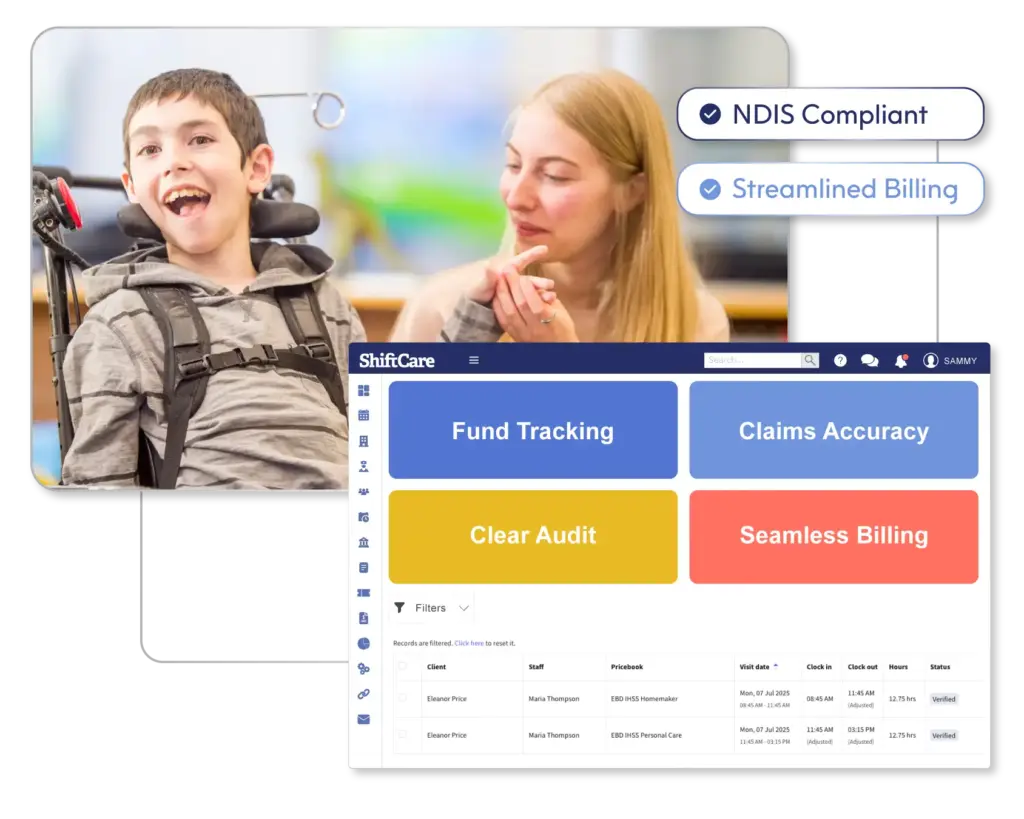
ShiftCare’s NDIS invoicing platform connects rostering and service delivery records directly to billing, so shifts recorded in the scheduler become invoice-ready data without re-entry. Support item codes are validated against the current NDIS Support Catalogue, price limits update automatically when the Pricing Arrangements change, and bulk claiming processes multiple participants in a single submission. For providers using Xero or MYOB, accounting integrations export invoice data directly to your ledger without manual transfer.
Start your free trial today and see how ShiftCare reduces the time between service delivery and payment for Australian NDIS providers.