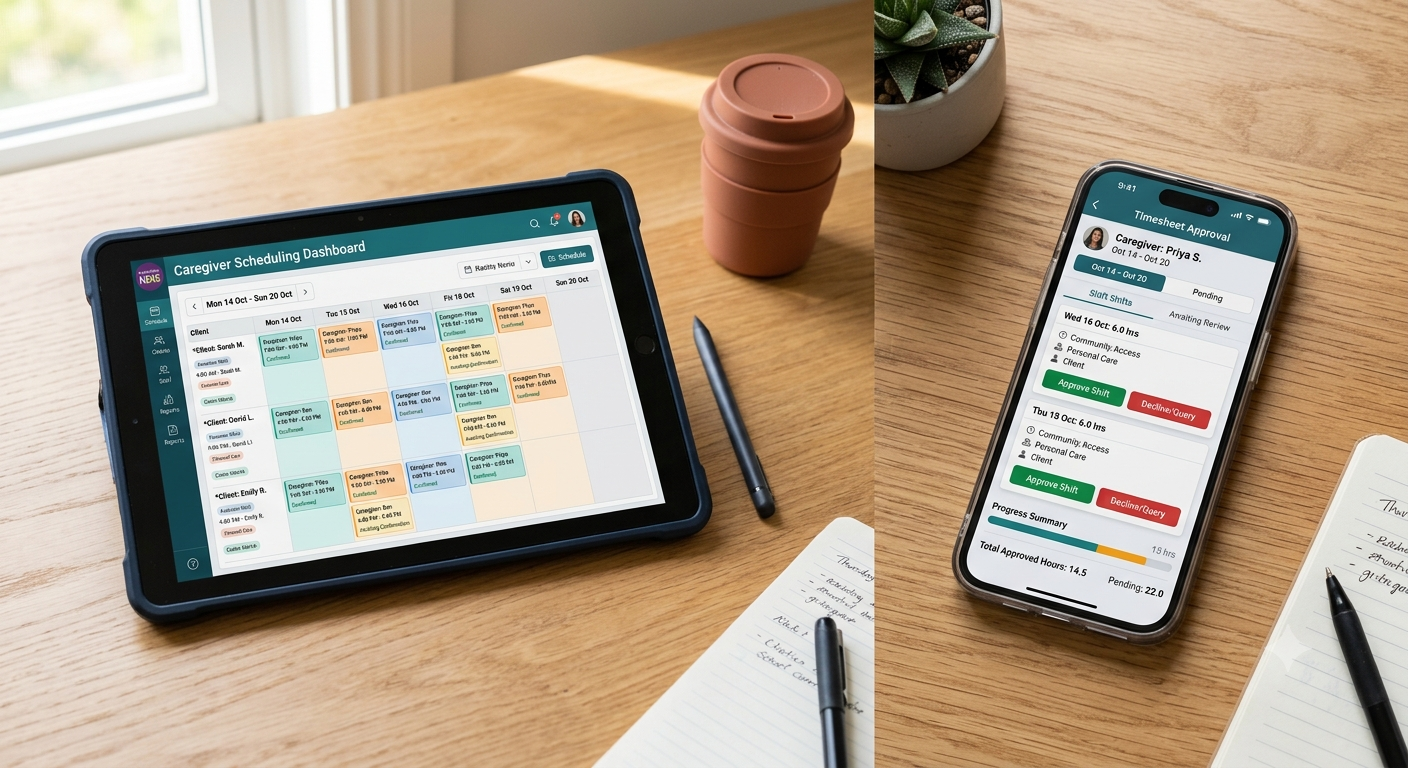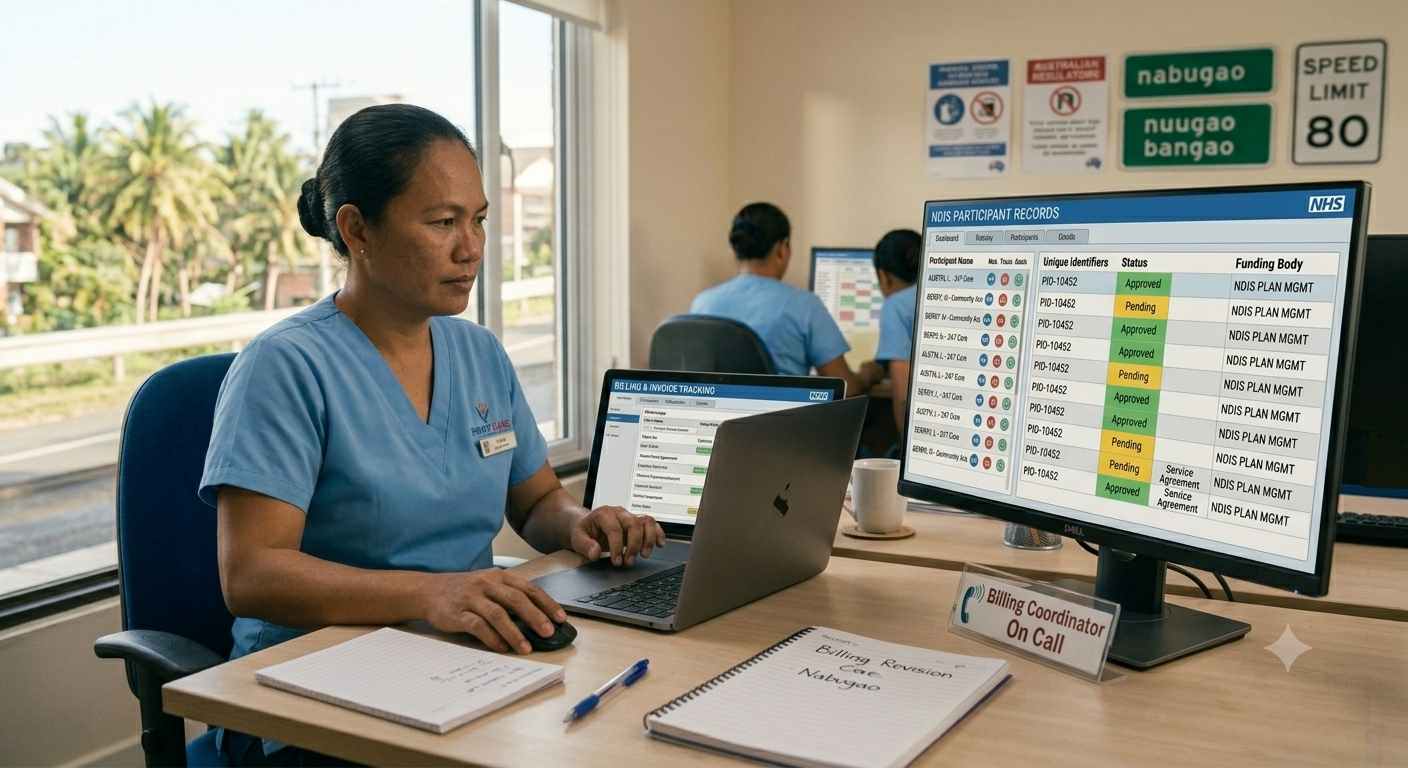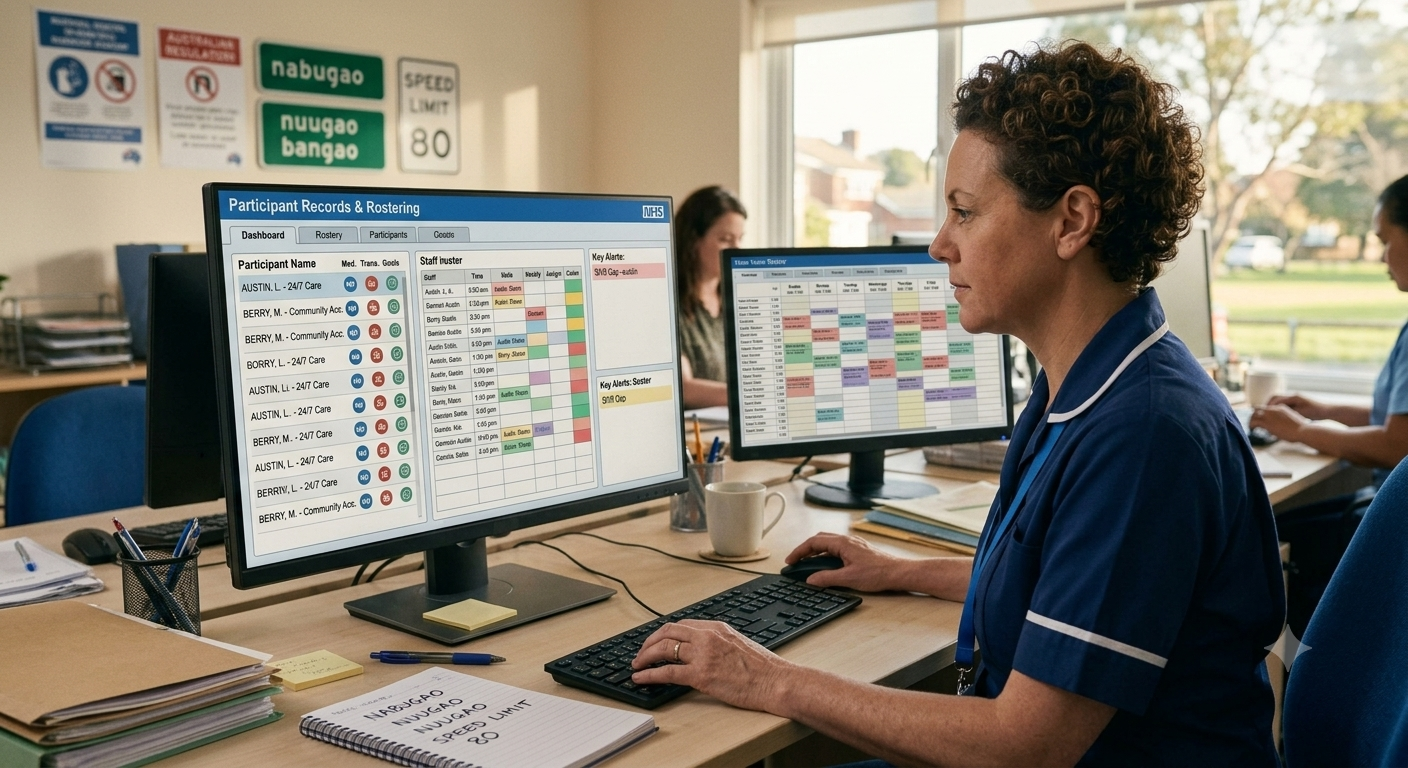
As of March 2026, the NDIS supports over 630,000 participants across Australia. With the NDIS Quality and Safeguards Commission increasing audit activity and the NDIS Price Guide updating regularly, providers running operations across spreadsheets and disconnected tools are absorbing an administrative cost that purpose-built software removes. This guide covers the five factors that matter most when comparing NDIS software.
The Australian NDIS software market now includes over 30 platforms. Not all of them are purpose-built for the sector. Many are generic scheduling or workforce management tools adapted to fit NDIS terminology. The difference between a platform built for NDIS from the ground up and one retrofitted from another use case shows quickly in billing accuracy, compliance reporting, and the operational overhead your team carries every week.
1. Whether NDIS Billing Is Built In or Bolted On
NDIS billing is one of the most technically complex billing environments in Australian health and community services. The NDIS Price Guide sets maximum price limits for each support category and line item, updated annually. Support categories, registration groups, unit types, and participant-specific service agreements all affect what can be claimed, at what rate, and when.
Software that handles NDIS billing properly does four things automatically:
- Price guide compliance: Rate limits update automatically when the NDIS Price Guide changes, so claims never exceed the maximum allowable price
- Service agreement alignment: Claims are validated against each participant’s service agreement before submission, catching booking errors before they reach the NDIA
- Bulk claiming: Providers can batch multiple claims and submit in bulk rather than processing them individually
- Error handling: Rejected claims surface with a clear reason and can be corrected and resubmitted without rebuilding the entire submission
Platforms that require manual rate updates or don’t validate against service agreements before submission create billing errors that delay payment and trigger audit scrutiny.
2. How Rostering Handles SCHADS Award Compliance
The Social, Community, Home Care and Disability Services (SCHADS) Industry Award governs pay rates, penalty rates, overtime, and shift conditions for most NDIS support workers in Australia. Getting SCHADS compliance wrong creates underpayment liability that the Fair Work Ombudsman actively investigates.’
NDIS rostering software needs to do more than fill shifts. It needs to:
- Flag SCHADS Award violations before shifts are confirmed, e.g., minimum shift lengths, broken shift allowances, overtime thresholds
- Track worker qualifications and match support workers to participants based on skills, availability, and location
- Surface real-time availability across your workforce so coordinators aren’t building rosters from memory or text message threads
- Handle split shifts, sleepover shifts, and active/inactive time distinctions that SCHADS treats differently
Generic workforce scheduling tools don’t understand SCHADS. Providers using them manage compliance manually and discover underpayment issues at audit rather than at rostering.
3. Whether Progress Notes Meet NDIS Quality and Safeguards Commission Standards
The NDIS Quality and Safeguards Commission requires registered providers to maintain records of supports delivered, including progress notes that demonstrate movement toward participant goals. Progress notes that describe what a worker did without connecting it to the participant’s NDIS goals don’t satisfy audit requirements.
What compliant progress notes require
- Connection to specific goals in the participant’s NDIS plan
- Objective language recording what happened and how the participant responded
- Date, time, and support worker identification
- Completion within a defined timeframe after the shift, so retrospective notes raise questions at audit
- Consistent format across the support team so the participant record is coherent over time\
Software that provides structured progress note templates with goal-linking built in produces more compliant documentation faster than blank text fields. AI-assisted progress note tools help staff write better, more compliant notes faster, flagging vague or non-compliant entries before they’re saved. Mobile-first note entry logged at point of support generates the timestamps that hold up under Commission review.
4. How Participant Funding Is Tracked Across Service Agreements and Budgets
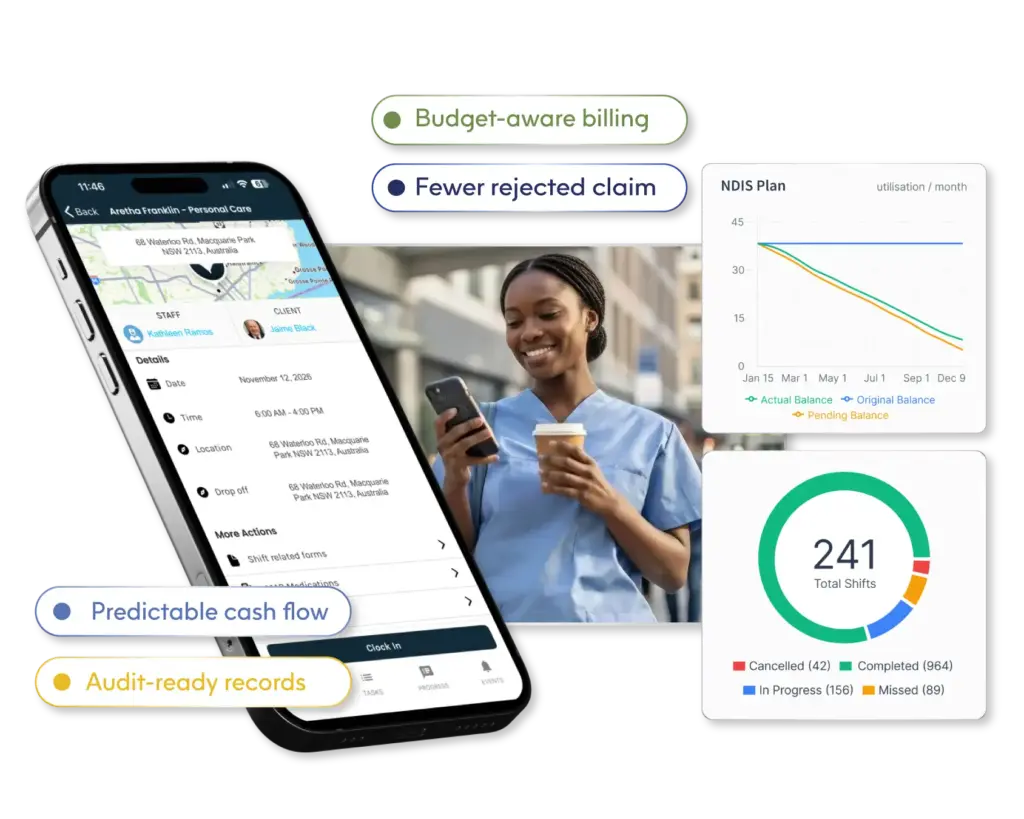
NDIS participants manage funding across multiple support categories (Core, Capacity Building, and Capital) each with different flexibility rules about how funds can be moved between line items. Service providers must track authorised hours and budget balances in real time to avoid over-delivering unbillable support.
What participant funding tracking requires operationally
- Service agreement visibility: Every shift is connected to an authorised service booking so coordinators know which supports remain within funded limits before scheduling
- Budget balance alerts: Real-time warnings when a participant’s funding is approaching exhaustion in a given category, giving enough lead time to request a plan review
- Delivered vs. authorised reconciliation: A clear view of what was scheduled, what was delivered, and what has been claimed, so billing submissions reflect actual delivery
- Plan review tracking: Automated reminders when a participant’s NDIS plan is approaching its review date so providers aren’t caught servicing a participant whose plan has lapsed
Providers without real-time funding visibility deliver unbillable support, discover it at billing, and absorb the cost. The NDIA’s Quarterly Report for March 2026 confirms 774,456 participants hold approved plans, and at that volume, manual tracking is unsustainable.
5. Whether Incident Management Meets Commission Reporting Obligations
The NDIS Quality and Safeguards Commission requires registered providers to report certain incidents through the NDIS Commission Portal. Reportable incidents, including unexpected death, serious injury, abuse, neglect, and unlawful sexual or physical contact, must be notified within 24 hours of the provider becoming aware.
Beyond reportable incidents, providers must maintain an internal incident management system that records all incidents, investigates them, and demonstrates corrective action. Commission auditors review this system as part of verification audits.
Software that supports incident management should:
- Provide a structured incident log with mandatory fields that prompt complete reporting
- Distinguish between reportable and non-reportable incidents with built-in classification guidance
- Track investigation status and corrective action completion
- Generate audit-ready incident reports exportable for Commission review
- Alert the relevant manager immediately when a reportable incident is logged
Providers whose incident records exist in a separate system from their participant and rostering data face reconciliation problems during audits. A platform where shift records, participant notes, and incident logs are connected produces a coherent account of what happened, when, and how it was resolved.
Choose NDIS Software That Was Built for the Sector, Not Adapted to It
The five factors are where the difference between purpose-built and generic platforms becomes operational rather than theoretical.
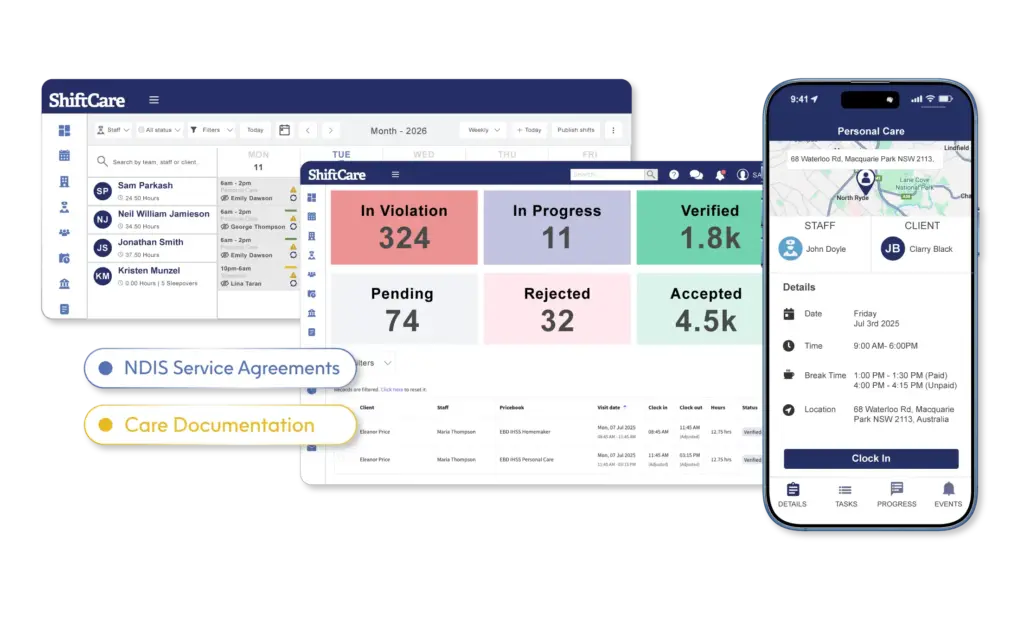
ShiftCare is purpose-built for Australian NDIS and disability service providers. Rostering tools handle SCHADS Award compliance with built-in warnings before shifts are confirmed. NDIS billing connects service delivery directly to claim submission with automatic Price Guide updates and bulk claiming. Progress notes are logged on mobile at point of support and linked to participant goals. Participant management tracks service agreement budgets in real time, and incident management connects to the participant record so audit evidence is always complete.
Start your free trial today and see how ShiftCare handles the operational complexity of NDIS delivery without adding administrative overhead to your team.