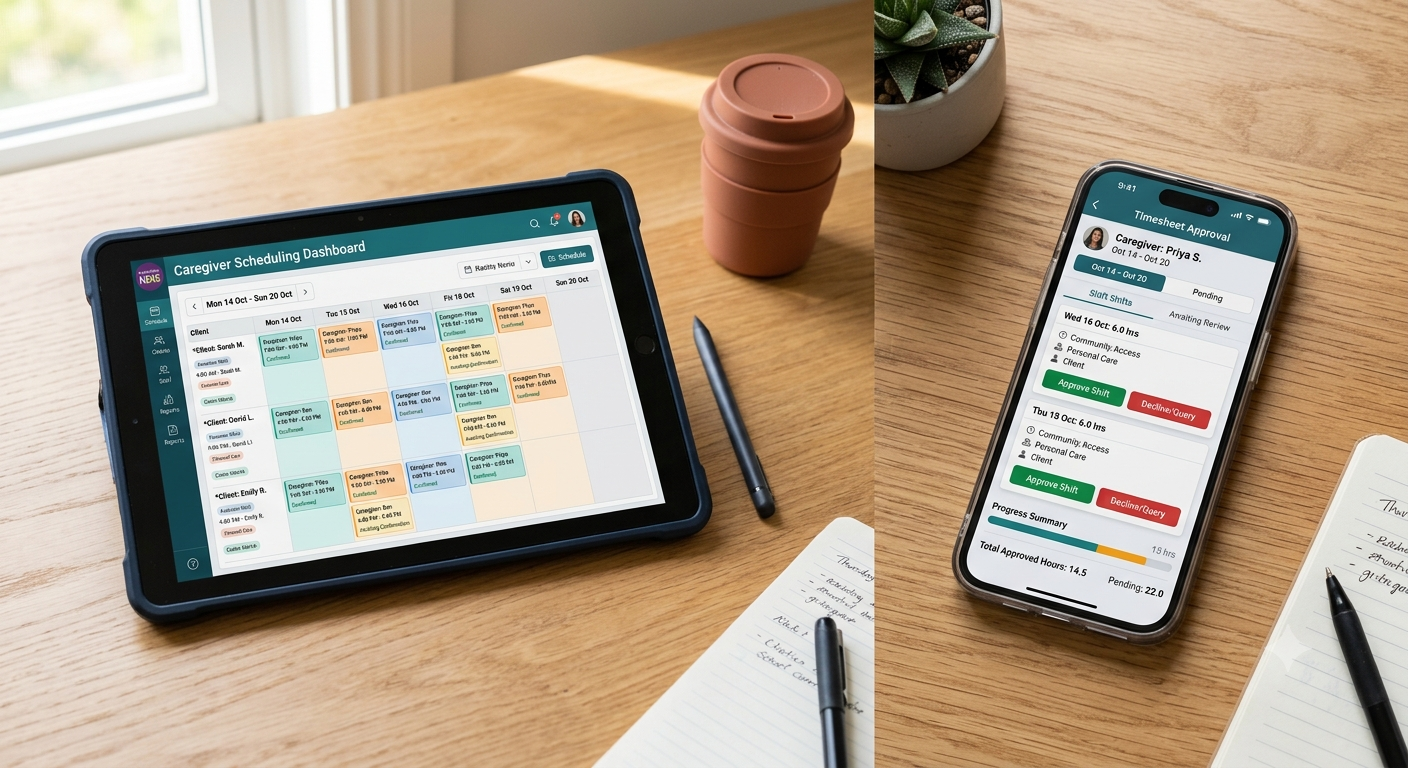
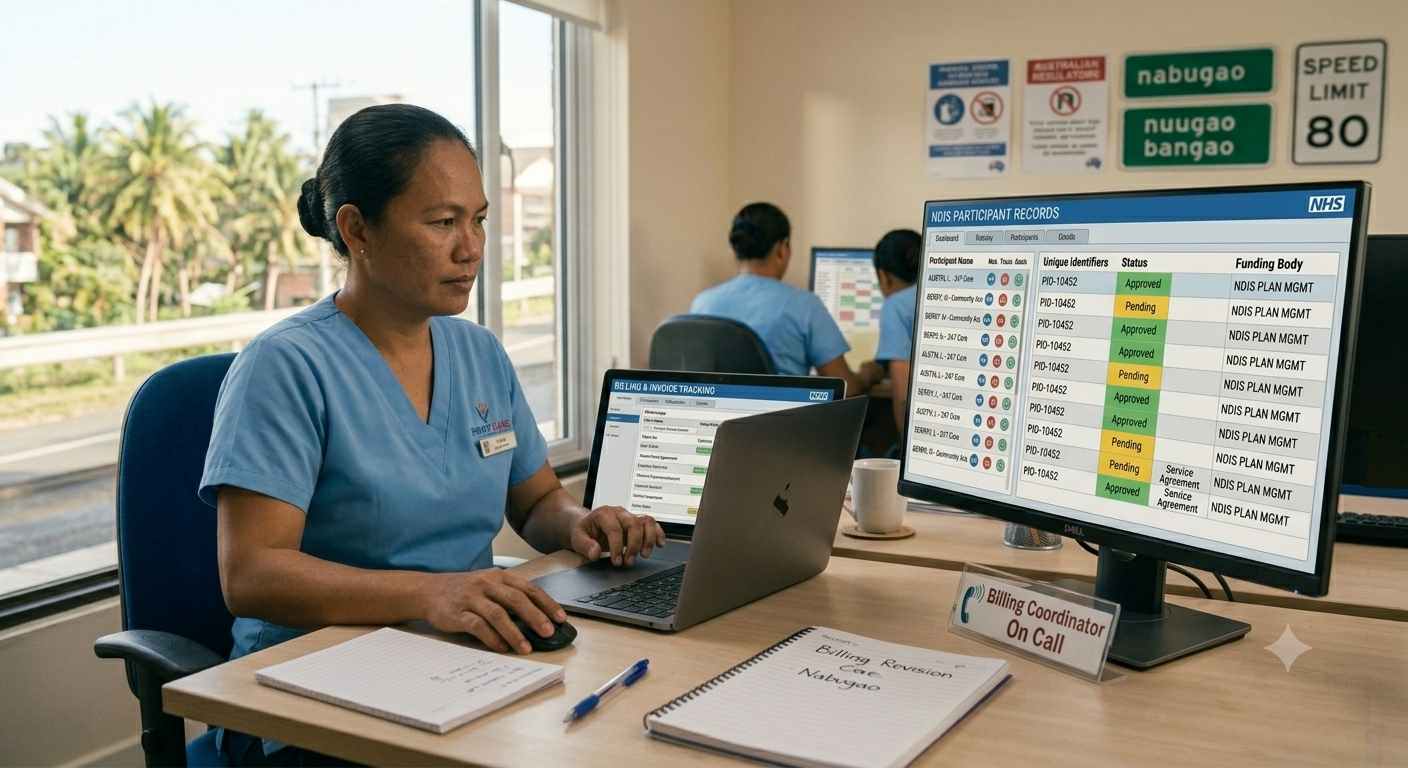
Using NDIS invoicing software helps providers avoid common claim errors. It reduces rejections, shortens payout timelines, and cuts down manual admin. While platforms vary, most systems automate key tasks like applying NDIS Pricing Arrangements, validating shift data, and generating compliant invoices for different plan types.
NDIS invoicing is arguably the most strictly regulated billing system in the care sector. Even if you’ve already delivered the service, logged the hours, and completed the care notes, you could still end up fixing errors weeks later. What’s worse, one oversight can stall thousands of dollars in payments. A mismatched support item code, a missing ABN, or a rate that exceeds the NDIS price cap is all it takes to trigger a rejected claim and delay your payout.
As an NDIS provider, none of this is new to you. And while manual invoicing is tedious, it “works.” Maybe it’s a mix of Xero, spreadsheets, and manual templates. They’re clunky yet familiar. Yes, switching might feel like more trouble than it’s worth. But when small errors are stalling payments and draining hours every week, it’s worth asking: what’s the real cost of keeping legacy systems? Let’s take a closer look.
What Is an NDIS Invoice?

An NDIS invoice is a formal request for payment issued by a provider to either of the following:
- the NDIA (National Disability Insurance Agency)
- a plan manager
- the participant (if self-managed).
It must include all required information to validate that services were delivered according to NDIS Pricing Arrangements and Price Limits. These include:
- Provider name, contact details, and ABN
- Participant’s full name and NDIS number
- Support item number (line item from the pricing guide)
- Clear service description and date of delivery
- Unit of measure (hour, each, per km, etc.)
- GST status, if applicable
- Total amount payable
- Payment instructions
How to Invoice the NDIS as a Provider

The NDIS invoicing process varies depending on whether the participant is NDIA-managed, plan-managed, or self-managed. Below is a breakdown for each.
- NDIA-Managed Participants
- Log in to the myplace Provider Portal using PRODA credentials.
- Navigate to the Payment Request section.
- Enter participant details, including NDIS number and support category.
- Enter the support item number, quantity, date of service, and rate (must match the NDIS Pricing Arrangements).
- Optionally upload a CSV file with multiple claims (batch processing).
- Review and submit the claim for processing.
- Payment is generally processed within 2 business days if successful.
- Plan-Managed Participants
- Create an invoice using your accounting or invoicing software.
- Fill in the necessary details.
- Email or send the invoice to the participant’s registered plan manager.
- Wait for remittance. Most plan managers aim to pay within 7 to 14 days, depending on agreement.
- Self-Managed Participants
- Issue an invoice directly to the participant.
- Fill in the necessary details.
- The participant logs in to their myplace Participant Portal via myGov.
- They submit a Payment Request using the invoice details.
- Once approved, the participant pays you directly from their account.
What Rejected NDIS Invoices Cost Providers

With invoicing, you’ll always try to fix what the NDIA sends back. Of course, you need to get paid. What you might find surprising, however, is that the biggest risk isn’t having one or two missed claims. It’s what happens when your errors stack up over time. Admin hours get eaten up, cash flow takes a hit, and your team ends up chasing problems that shouldn’t have been there in the first place.
Repeated Errors Put You at Risk During NDIS Audits
Recurring invoice errors trigger increased scrutiny. The NDIA assesses compliance with NDIS Practice Standards. Auditors review whether invoices align with care records, shift data, and participant funding categories.
While audits are a standard part of the registration cycle, consistent claim rejections or incomplete records can lead to non-conformities and formal corrective actions. In more serious cases, the NDIS Quality and Safeguards Commission may suspend or revoke your provider registration.
Invoicing Errors Get in the Way of Care
You didn’t become an NDIS provider to spend hours reworking rejected claims. Your priority is to deliver consistent, high-quality support, not to manage admin bottlenecks. Unfortunately, cash flow stalls affect everything, e.g., staff scheduling, service delivery, and even your ability to invest in better outcomes for participants.
Plan Managers Remember Inconsistent Providers
Plan-managed participants don’t deal with the NDIA directly; their plan managers do. When your invoices regularly come back with errors or missing details, you quickly build a bad reputation. They may not have an official blacklist, but they absolutely remember which providers cause delays. Over time, your claims will get deprioritized. That means slower approvals, fewer referrals, and missed opportunities to take on new participants.
Rejections Delay Scalability
Rejected NDIS invoices don’t just slow down payments—they slow down the entire operation. Even when the money comes through, you’ve already lost hours fixing errors, chasing follow-ups, and resubmitting claims. That’s time your team could’ve spent improving service delivery, onboarding new clients, or expanding capacity. At scale, this kind of admin drag will add up and hold back your business.
Common Reasons the NDIA Rejects NDIS Provider Invoices
It might be time to review the NDIS invoice templates your team uses. You can avoid most rejections by aligning with NDIA requirements and studying the most common reasons claims fail. From incorrect support item codes to missing invoice metadata, small oversights are often all it takes to stop a payment from going through.
- Using support item codes that aren’t included in a participant’s approved plan will result in claim rejection, even if the service was delivered correctly.
- Charging rates above the current NDIS Pricing Arrangements and Price Limits will automatically flag the invoice as non-compliant.
- Invoices missing required fields, such as the provider’s ABN, GST status, or participant identifiers, fail NDIA validation checks and are not processed.
- Submitting invoices through the wrong payment channel (e.g., billing the NDIA directly for a plan-managed participant) will lead to claim rejection.
Note: Errors typically occur during invoice generation, where data is manually transferred and templates are reused without proper verification.
How NDIS Invoicing Software Improves Accuracy and Speeds Up Claim Approvals

There are plenty of generic invoicing tools available. You could grab any NDIS invoice example online and run it through whatever bookkeeping platform you find. It’s quick and cheap, but it also opens the door to more compliance risks.
NDIS invoicing comes with highly specific requirements. Support item codes must match participant plans, pricing must follow the current NDIS Price Guide, and submissions need to meet formatting rules based on plan types. Generic tools can’t handle that level of precision.
Here’s why you need invoicing software purpose-built for NDIS services:
Built-in Compliance With the NDIS Price Guide
Support item codes and pricing caps are auto-applied based on the most recent NDIS Pricing Arrangements and Price Limits. You won’t need to update rate tables manually or cross-check codes against the guide. This addresses three of the most common causes of claim rejection: overcharging, incorrect item mapping, and non-compliant billing.
Automated Session-To-Invoice Generation
NDIS invoicing tools reference completed shifts, support notes, and rostering records to auto-populate specific fields. By eliminating the need for manual data entry, you’ll reduce the risk of transcription errors and maintain consistency across financial records.
One-Click Bulk Claims for the NDIA
For NDIA-managed plans, invoicing tools generate a compliant bulk CSV file that’s ready for myplace provider portal. You won’t need to enter each claim line by line. And with batch processing, you’ll cut down on repetitive admin work and free up hours each week. Use your resources to better manage a high volume of participants.
Plan-Managed and Self-Managed Invoice Formatting
NDIS invoicing tools generate invoices based on how the participant manages their funding. You get the correct format for NDIA, plan-managed, or self-managed submissions. Each invoice includes the required metadata (i.e., participant details, provider ABN, and support item breakdown), so you don’t need to adjust anything manually.
Shift-Linked Validations
NDIS invoicing platforms only generate forms from completed and approved shifts. If support notes are missing or the roster entry isn’t final, the invoice won’t go through. The system automatically blocks claims with incomplete service data. You can catch errors before submission instead of scrambling for a solution after lodging claims.
Accounting System Integrations
You can link your NDIS invoicing platform to accounting tools like Xero, MYOB, QuickBooks, and Employment Hero. Once you finalize an invoice, the system pushes it straight into your accounting workflow. There’s no data entry needed from your end. Cross-platform integration eliminates double-handling, reduces reconciliation errors, and keeps your invoicing, payroll, and reporting systems aligned.
GPS and Care Documentation Traceability
Invoicing tools link each claim to support notes, attendance records, and shift data. You get a complete audit trail that’s easy to reference during compliance checks or when resolving disputes. Everything is traceable back to the service delivered.
Prevent Rejected NDIS Claims and Get Paid Faster with ShiftCare
ShiftCare reduces claim rework, payment delays, and manual data entry by linking your NDIS invoicing directly to rosters, support notes, and approved service items. You can generate compliant, error-free invoices faster without double-handling between platforms. It’s built to protect cash flow and eliminate unnecessary admin load. Book a demo to see how it compares to your current invoicing setup.