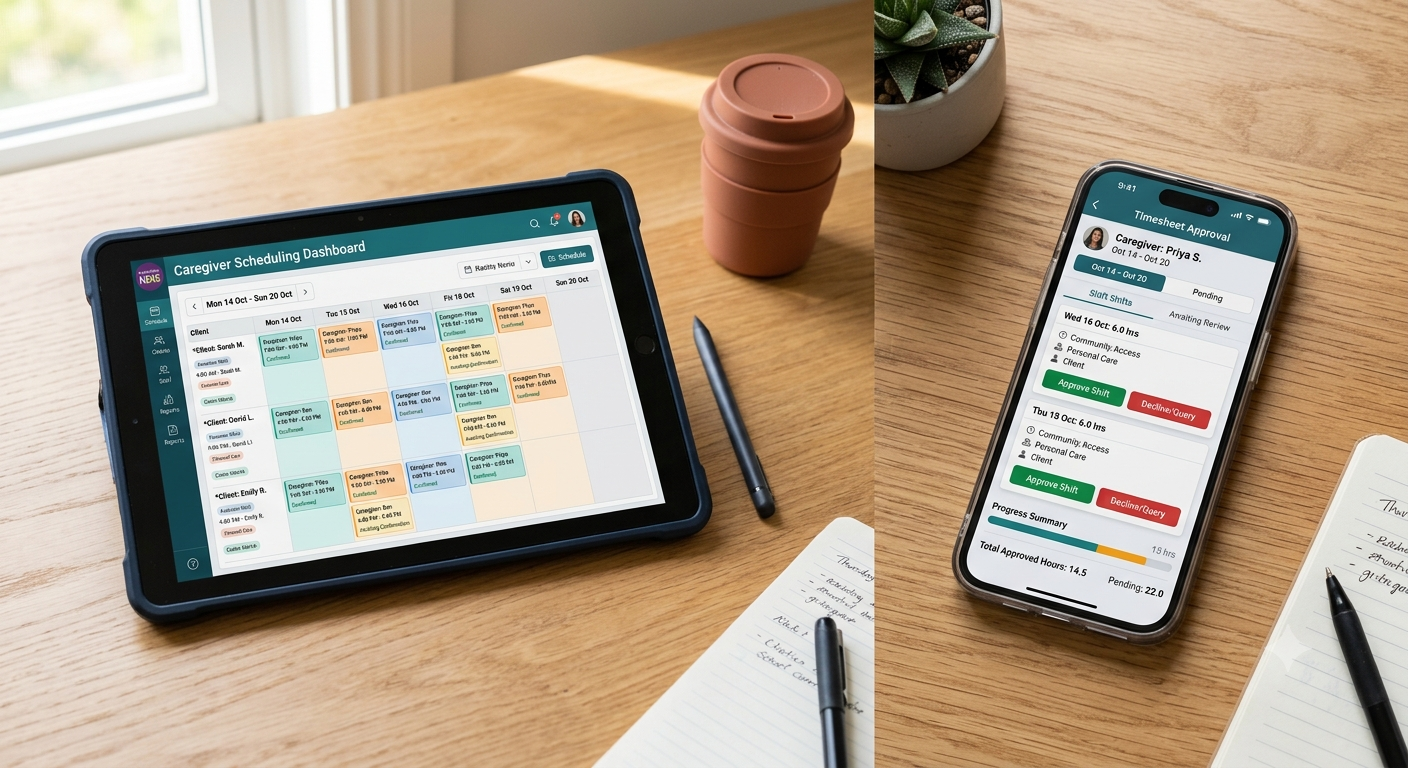
Rostering in disability and home care is messier than other sectors. You’re not just filling shifts with one worker and one location. You’ve got multiple workers, multiple clients, sometimes two or three staff assigned to a single shift, supports that span weekends and evenings, and last-minute changes that ripple through your whole schedule.
Spreadsheets die under this complexity. Workers miss shifts, participants miss support. Roster managers spend hours moving shifts around, texting workers to fill gaps, managing double bookings, and trying to remember which staff member picked up Saturday. When a worker calls in sick, you’ve got 15 minutes to find a replacement or tell a participant they won’t get their support. The right rostering software turns scheduling from a daily headache into something that actually runs on logic.
Why Manual Rostering Costs More Than You Think

Disability support providers often use spreadsheets or even paper rosters to manage their schedules. On the surface, this feels cheap. But the cost in staff time is massive. Roster managers spend hours moving shifts around, texting workers to fill gaps, managing double bookings, and trying to remember which staff member picked up Saturday. When a worker calls in sick, you’ve got 15 minutes to find a replacement or tell a participant they won’t get their support.
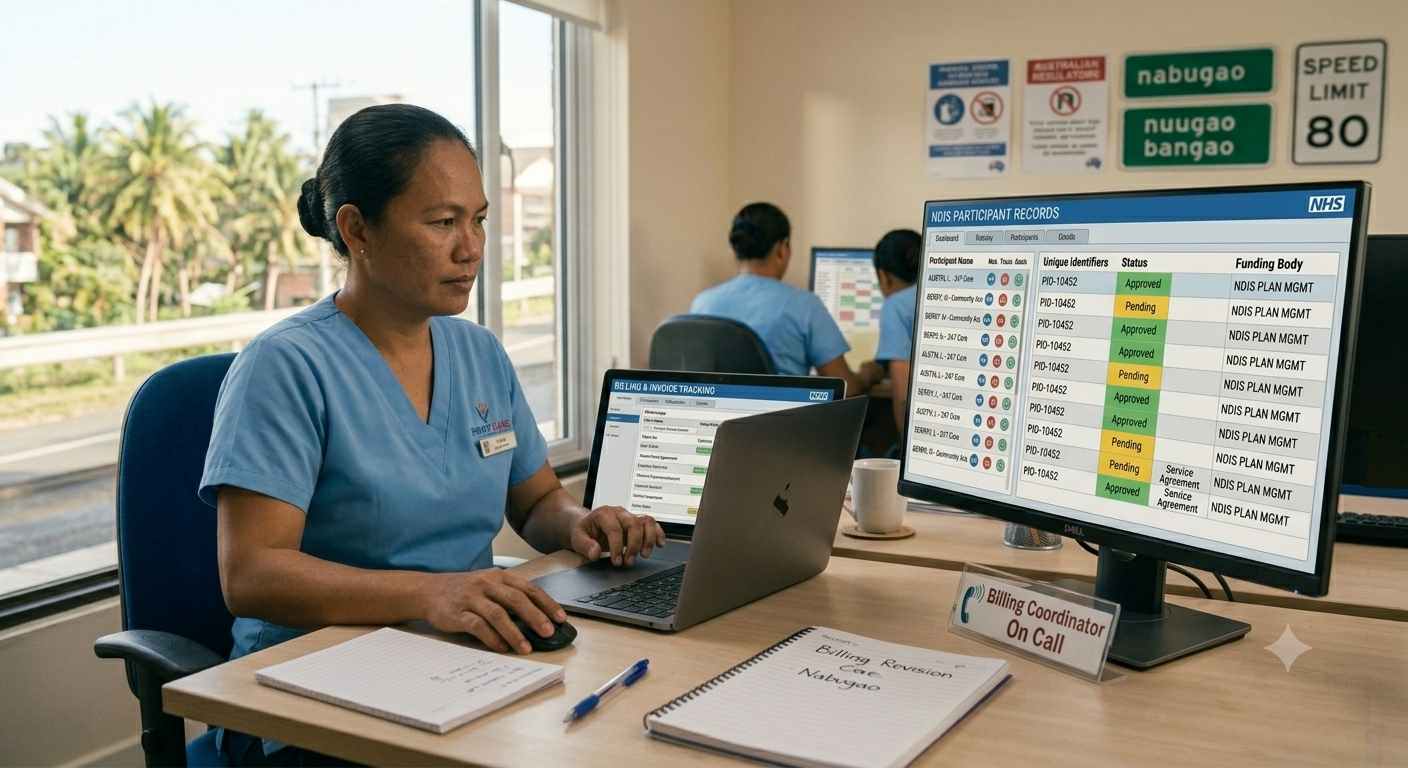
Beyond time, there’s the compliance hit. The NDIS Commission expects providers to maintain detailed records of who worked where and when. If your roster is scattered across email, messages, and someone’s notebook, proving compliance during an audit becomes nightmare territory.
How NDIS Rostering Software Solves Multi-Worker Scheduling
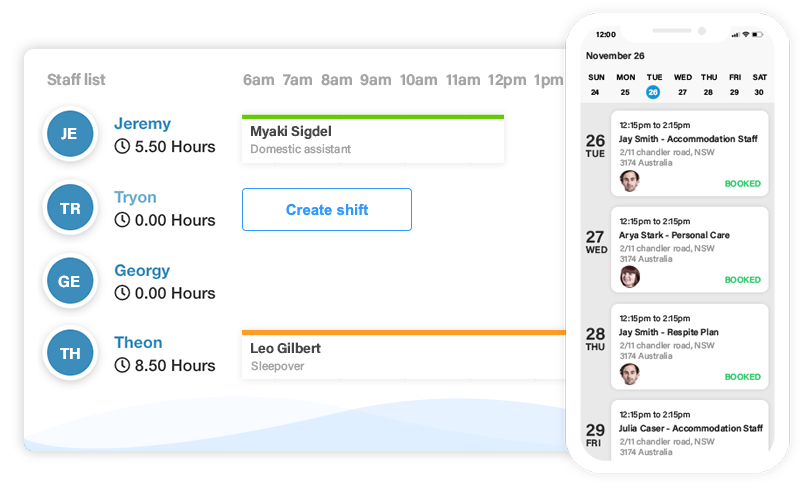
NDIS rostering software centralises all scheduling decisions in one system where you can see every shift, every worker availability, every client need at a glance. When a worker calls in sick, the system flags uncovered shifts instantly. You can see which available workers are trained for that client and have availability. Workers get notified via their phone or app, and if they accept, their calendar updates immediately.
For multi-worker shifts, the software handles the complexity automatically. You specify that a client needs two support workers on Wednesday afternoon, and the system shows you which combinations of staff are available, considering their other commitments and training. Repeat rosters are a game-changer: most disability support is ongoing, so set up a client’s regular support pattern once, and the system generates rosters for the next month automatically.
How Rostering Software Maintains NDIS Compliance Records
Compliance stops being abstract when you use rostering software designed for NDIS reality. The system can track which workers have valid screening checks and flag when renewals are approaching. It enforces break compliance. It logs every change to the roster, creating an audit trail. When the Commission asks you to prove a participant was covered, you have timestamped records showing exactly who worked, when, and for how long.
How to Match Workers to Participants by Skills and Language
Not every worker is right for every participant. Some clients need workers who speak a specific language, have experience with particular conditions, or have completed specific training modules. Manual roster management means relying on the memory of whoever is scheduling that week. Rostering software stores worker profiles with skills, certifications, and preferences, then surfaces compatible matches when you’re filling a shift.
How to Get Your Team to Adopt New Rostering Software
The biggest implementation risk is not the software. It’s adoption. Workers who are used to receiving shifts via text message may resist downloading an app. Managers who have built their mental models around spreadsheets may struggle to trust a system they didn’t build themselves. Run a pilot with one service stream before full rollout. Involve frontline staff in the decision. Show them what they get: better visibility of their own schedule, fewer last-minute calls, clearer communication.
Stop Managing Rosters in Spreadsheets
The NDIS Commission expects providers to maintain detailed records of who worked where and when. If your roster is scattered across email, messages, and someone’s notebook, proving compliance during an audit becomes nightmare territory. Beyond compliance, there’s the operational cost. Hours spent manually managing shift changes, texting workers to fill gaps, and tracking down who’s available for last-minute cover add up quickly.
Rostering software built for NDIS providers handles multi-worker shifts, repeat roster patterns, worker skill matching, and compliance tracking in one system. When a worker calls in sick, the system flags uncovered shifts instantly and shows you which available workers are trained for that client. ShiftCare’s NDIS rostering software tracks worker screening check expiry dates, enforces break compliance, and creates audit trails for every roster change.
Start your free trial today and see how ShiftCare helps NDIS providers schedule complex supports without the chaos.