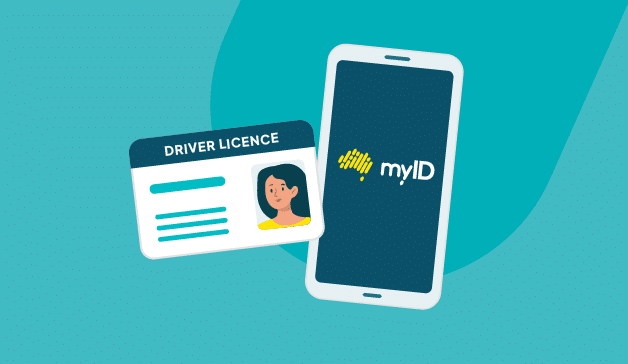
The Australian Government is replacing PRODA with myGov’s myID system for accessing the NDIS portal. If you don’t migrate before 30 September 2026, you’ll lose portal access. How would this affect you? Failure to comply would mean no claims processing, no plan viewing, and no access to participant information until you complete the migration.
The migration itself isn’t technically complicated, although it requires coordination across your team and careful attention to authentication steps. Let’s break down the process. Here’s a quick guide on what you need to do, what common problems to avoid, and how to ensure your portal access continues uninterrupted.
What the PRODA to myID Migration Means for Providers
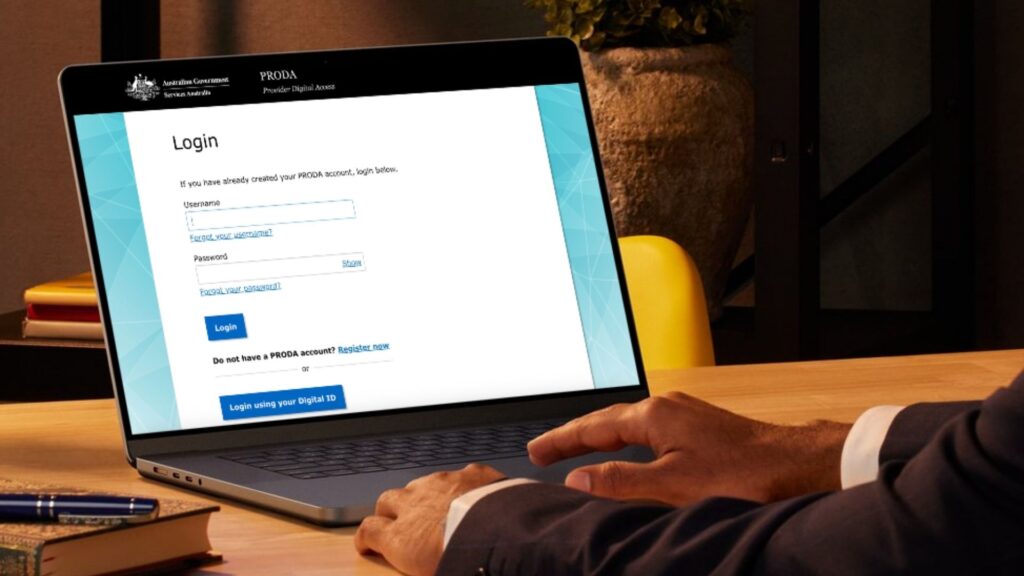
PRODA has been the authentication system for providers accessing the NDIS portal for years. myID is the Government’s new authentication platform. It’s designed to be simpler, more secure, and compatible with other Government digital services.
After the cutoff date, PRODA credentials won’t work. Your organisation needs to have migrated to myID before that date, or you’ll have a service interruption. For providers managing multiple participants through the NDIS portal, a migration failure translates directly to operational disruption.
When You Need to Migrate (And Why You Shouldn’t Wait Until September)
The Government has published a clear migration timeline with a hard cutoff date of 30 September 2026. Your organisation needs to migrate before that date — ideally weeks before, so you can run through processes on myID and catch any issues with time to resolve them.
Start by identifying everyone who accesses the NDIS portal. List their names, roles, and current PRODA credentials. Some may have myGov accounts already; others won’t. You’ll need to coordinate their migrations and verify everyone can access the portal via myID before the cutoff.
Step-by-Step myID Migration Process
Step 1: Create or update your myGov account. Each person needing portal access needs a myGov account. Visit my.gov.au and sign up if you don’t have one already.
Step 2: Create your myID within myGov. You’ll provide personal details and choose an authentication method. Most people use a mobile app for the strongest security.
Step 3: Link your provider credentials. Tell the NDIS system that this myGov account is the new way to access the portal for your organisation.
Step 4: Test your access. Log into myGov with myID, navigate to the NDIS portal, and confirm you can see your participant list, view plans, and perform all daily functions.
Step 5: Migrate all provider representatives. Repeat steps 1 to 4 for every person in your organisation who accesses the portal.
Common Pitfalls When Migrating to myID

- Identity Verification Delays: myID uses more rigorous verification than PRODA. Start early and resolve any discrepancies beforehand.
- Multiple Email Addresses: Be careful not to create multiple myGov accounts accidentally.
- Provider Authorisation Delays: Linking your myGov to your NDIS provider organisation requires NDIS authorisation. Audit your organisation’s details in the NDIS system now.
- Incomplete Testing: Don’t assume logging in means everything works. Test specific daily functions: viewing participant plans, accessing funding details, and submitting queries.
Ensuring Business Continuity
Communicate internally about the migration timeline. Stagger migrations across a week or two. Maintain PRODA access until you’re confident myID works. Designate a migration support person in your organisation.
Verify that your integration between care management software and the NDIS portal still works via myID. If your software uses PRODA authentication, you may need to update settings. Confirm this well before the cutoff.
FAQs About Migrating From PRODA to myID
Is the PRODA cutoff date flexible, or is it a hard deadline?
There’s a hard deadline of September 30, 2026. After that date, PRODA credentials will not work. Plan your migration to be complete by mid-September to allow time for testing before the cutoff.
If I’m using NDIS software, do I need to do anything special for the myID transition?
Check with your software provider whether they’ve updated their NDIS portal integration for myID and RAM. Most providers have completed this, but verify your software is compatible before the cutoff date.
Can multiple people at my organisation use the same myGov account to access the NDIS portal?
No, each person accessing the portal must have their own myGov account and myID. This maintains security and creates an audit trail showing who accessed what and when.
Simplify myID Migration With an AI-Driven Care Management System
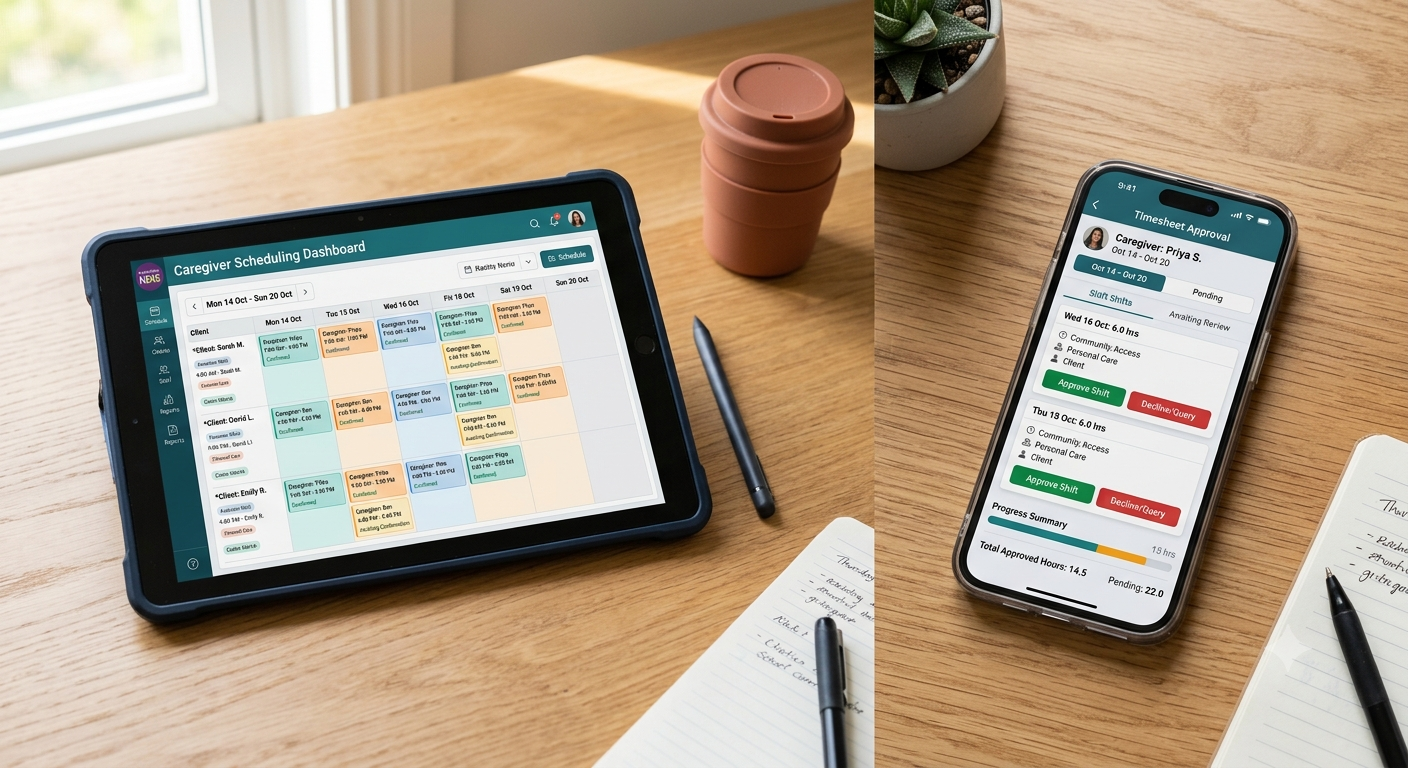
The PRODA to myID migration is mandatory, but your daily operations don’t have to depend entirely on manual portal access. ShiftCare’s AI-driven care management platform centralizes participant plans, service authorizations, and billing workflows. Even if portal access gets temporarily disrupted during migration, your team can continue rostering, documenting services, and tracking budgets without interruption.
Start a free trial today. See how ShiftCare reduces your reliance on constant NDIS portal logins while keeping your operations running smoothly through the myID transition and beyond.