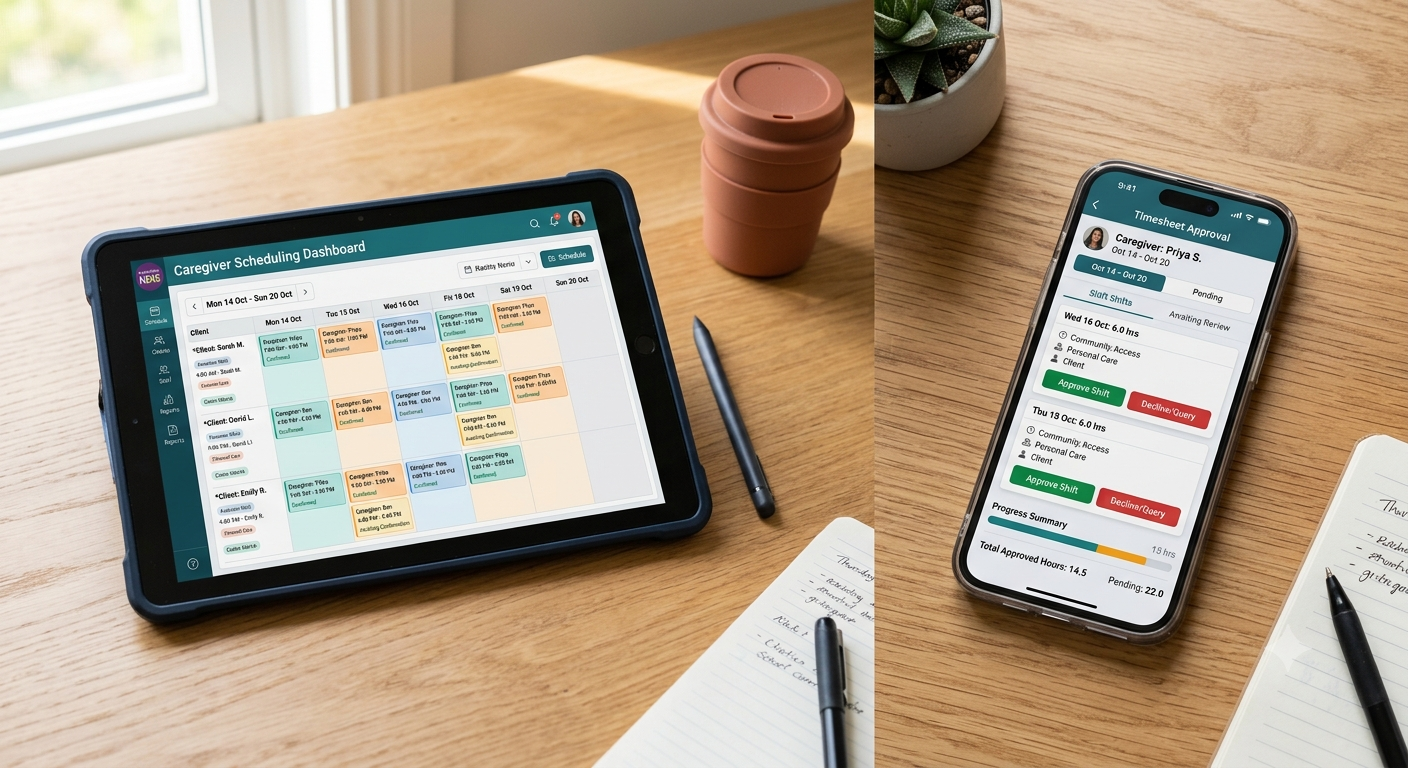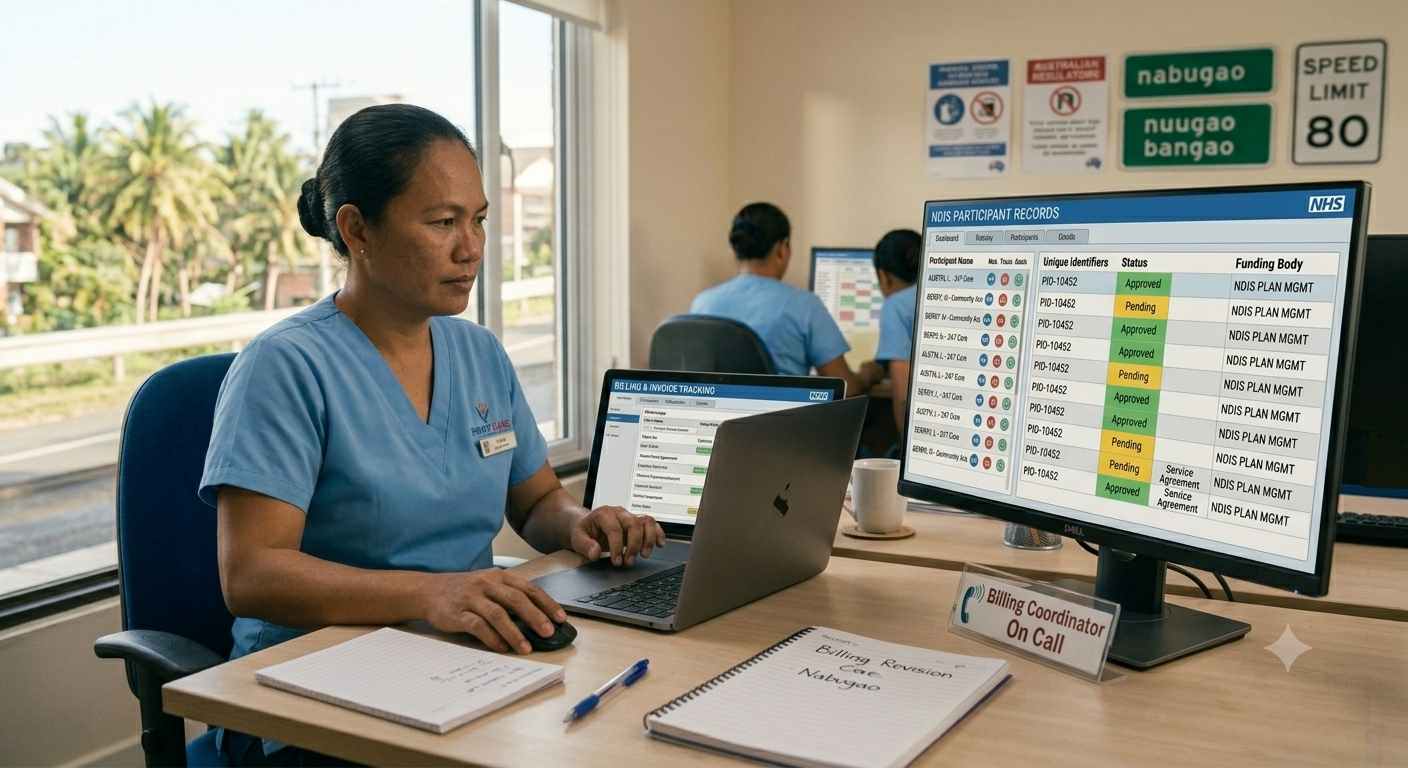
NDIS invoices are rejected when service agreements don’t match the claim, pricing is incorrect, or required data is missing. Most rejections delay payment by weeks and create cash flow problems that small providers can’t afford. Rejected claims aren’t minor bumps. They tie up revenue you’ve already earned, force your billing team to rework submissions, and push payment cycles out by 30 to 60 days. The longer a claim sits rejected, the harder it is to reconstruct what went wrong.
Here’s why NDIS invoices get rejected, how to fix them, and how to stop rejections before they happen.
Why NDIS Invoices Get Rejected

NDIS claims fail for predictable reasons. The myplace provider portal rejects claims that don’t align with participant funding, service agreements, or pricing schedules.
Service Agreement Mismatches
If your invoice lists a support category that isn’t in the participant’s current service agreement, the claim gets rejected. This happens when service agreements expire, participants change plans, or providers bill for supports not covered in the agreement.
Incorrect Pricing
Your claimed rate must match the NDIS Price Guide or the rate specified in the service agreement. Even small discrepancies flag the claim. Providers using outdated price schedules or manually entering rates make this error frequently.
Missing or Incorrect Participant Details
If the participant’s NDIS number, date of birth, or plan dates don’t match NDIA records, the system rejects the claim. Typos in participant identifiers are surprisingly common and cause instant rejections.
Invalid Service Dates
Claims referencing dates outside the participant’s current plan period fail every time. Billing for services delivered before a service agreement starts or after a plan expires won’t process without prior NDIA approval.
Duplicate Claims
The system rejects claims if you’ve already submitted an invoice for the same participant, support item, and date. This happens when billing coordinators resubmit claims without checking submission history or when separate systems create overlapping invoices.
How to Fix a Rejected NDIS Invoice
Fixing a rejected claim starts with identifying the specific error. The myplace portal provides rejection codes and error descriptions. Read them carefully before making changes.
Check the Service Agreement First
Log into the myplace portal and confirm the participant’s current service agreement covers the support category you’re claiming. If the agreement has expired or doesn’t include the support type, you can’t bill for it until the agreement is updated. Contact the participant or their plan manager to arrange a new service agreement.
Verify Pricing Against the Current NDIS Price Guide
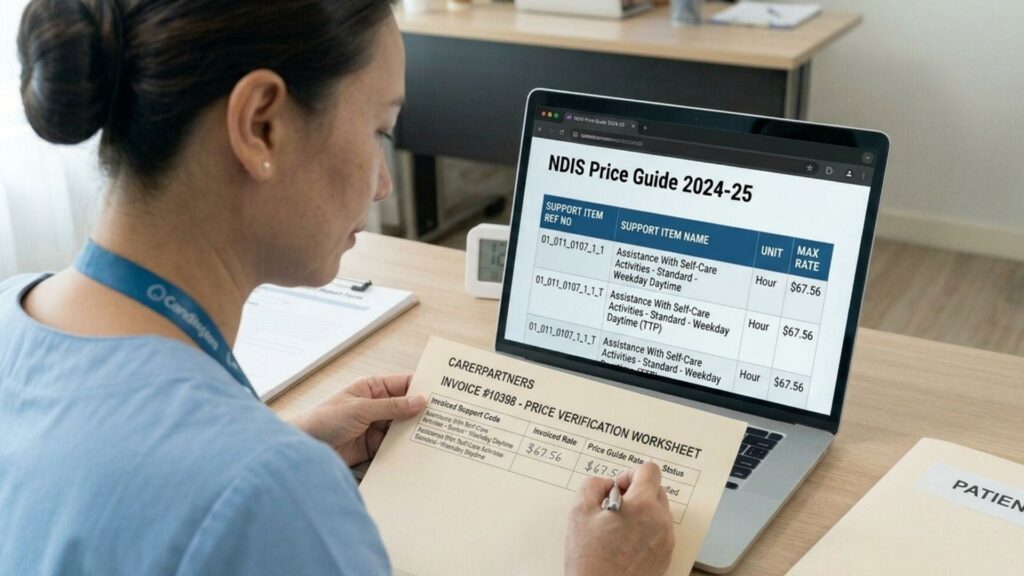
Compare your claimed rate to the published rate for that support category and participant location. If your rate is higher than the Price Guide maximum and you don’t have a written agreement justifying the variance, adjust the claim to match the standard rate.
Confirm Participant Details Match NDIA Records
Double-check the NDIS number, date of birth, and plan start and end dates. Even a single-digit error prevents the claim from processing. Cross-reference details against the participant’s plan or service booking confirmation.
Review Service Dates
Ensure service dates fall within the participant’s active plan period. If you delivered supports before the plan started or after it ended, you’ll need written confirmation from the NDIA or plan manager that those dates are claimable. Most providers can’t bill outside plan dates without prior approval.
Check for Duplicate Submissions
Review your claim history in the myplace portal. If the same service for the same date was already submitted, cancel the duplicate and resubmit only if the original claim was incorrect.
How to Resubmit a Rejected NDIS Invoice

Once you’ve identified and corrected the error, resubmit the claim through the myplace portal. Don’t just resubmit the same claim hoping it works the second time. Fix the underlying issue first.
Key steps for resubmission:
- Update your internal records before resubmitting so future claims don’t repeat the same error
- Submit the corrected claim as soon as possible to minimize cash flow impact
- Track resubmissions separately from new claims so your billing team can follow up if payment doesn’t arrive within the expected timeframe
Most claims process within five to seven business days once submitted correctly.
How Long Does It Take to Fix a Rejected NDIS Claim?
Fixing a rejected claim takes anywhere from a few hours to several weeks depending on the issue.
Simple errors like pricing mistakes or typos in participant details can be corrected and resubmitted the same day. Once resubmitted, payment typically processes within five to seven business days.
Service agreement issues take longer. If the participant’s service agreement has expired or doesn’t cover the claimed support, you need to wait for a new agreement to be signed and uploaded to the portal. This can take one to three weeks depending on how quickly the participant or plan manager responds.
Plan date errors require NDIA approval if services were delivered outside the active plan period. Getting approval can take several weeks and isn’t guaranteed. Some providers write off these claims rather than chase approvals that may never come.
How to Prevent NDIS Invoice Rejections
Most rejections are preventable with upfront validation before claims are submitted.
Validate Service Agreements Before Delivering Supports
Check that the participant has a current, signed service agreement covering the supports you’re scheduled to provide. Don’t assume the agreement is still valid just because it was signed months ago.
Use Current NDIS Pricing in Your Billing System
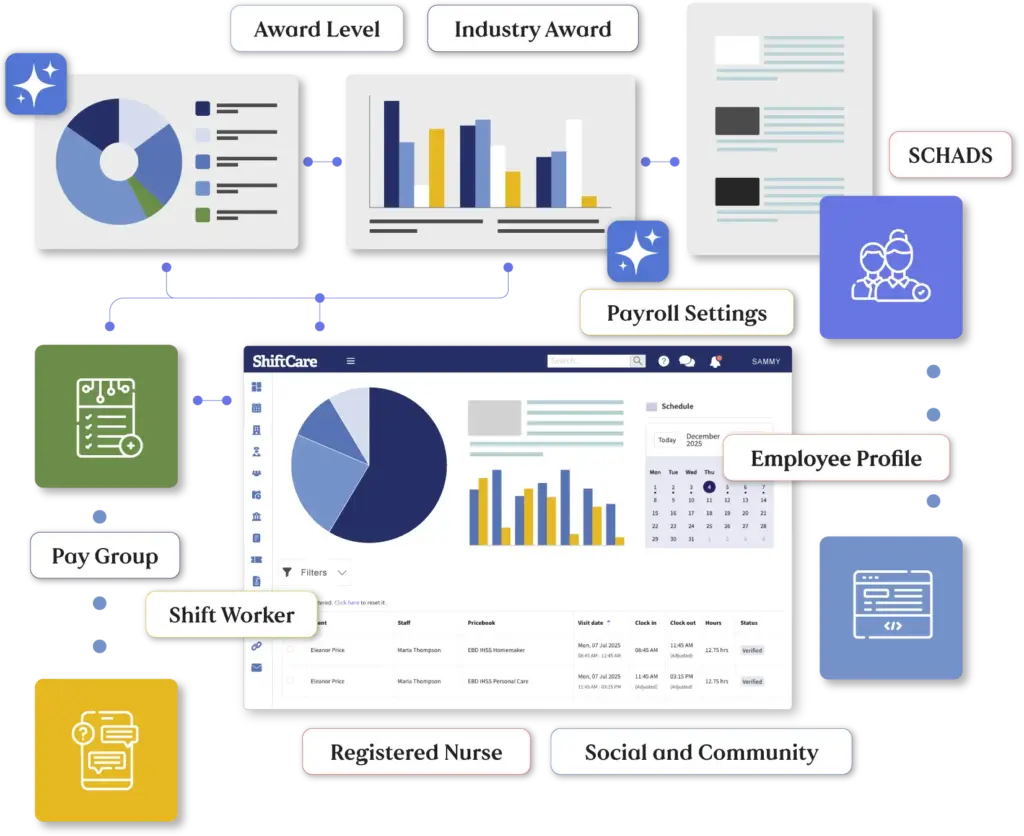
Update your rates every time the Price Guide changes. Automated systems that pull pricing directly from the Price Guide reduce manual errors and ensure claims match published rates.
Capture Accurate Service Delivery Data at the Point of Care
When support workers log shifts, ensure participant details, service dates, and support categories are recorded correctly. Errors made during service delivery compound when claims are submitted weeks later.
Run Validation Checks Before Submitting Claims
Review invoices for:
- Missing participant data
- Pricing mismatches against the NDIS Price Guide
- Service agreement alignment
- Duplicate claim entries
Catching errors before submission saves the time and cash flow impact of rejections.
Track Service Agreement Expiry Dates
Don’t wait until a claim gets rejected to discover an agreement expired last month. Set reminders 30 days before expiry and follow up with participants to arrange renewals.
Stop Rejected Claims Before They Happen
Rejected NDIS invoices delay payment, create rework, and hurt cash flow. Providers who validate service agreements, use current pricing, and check claims before submission avoid most rejections and get paid faster.
ShiftCare’s NDIS invoicing software validates claims against service agreements and NDIS pricing before submission. Automated checks flag mismatches, missing data, and pricing errors so rejected claims don’t surprise your billing team weeks later.
Start your free trial today and see how ShiftCare helps NDIS providers get paid faster with fewer rejections.